Understanding Healthcare App Testing: A Complete Guide
August 6, 2026



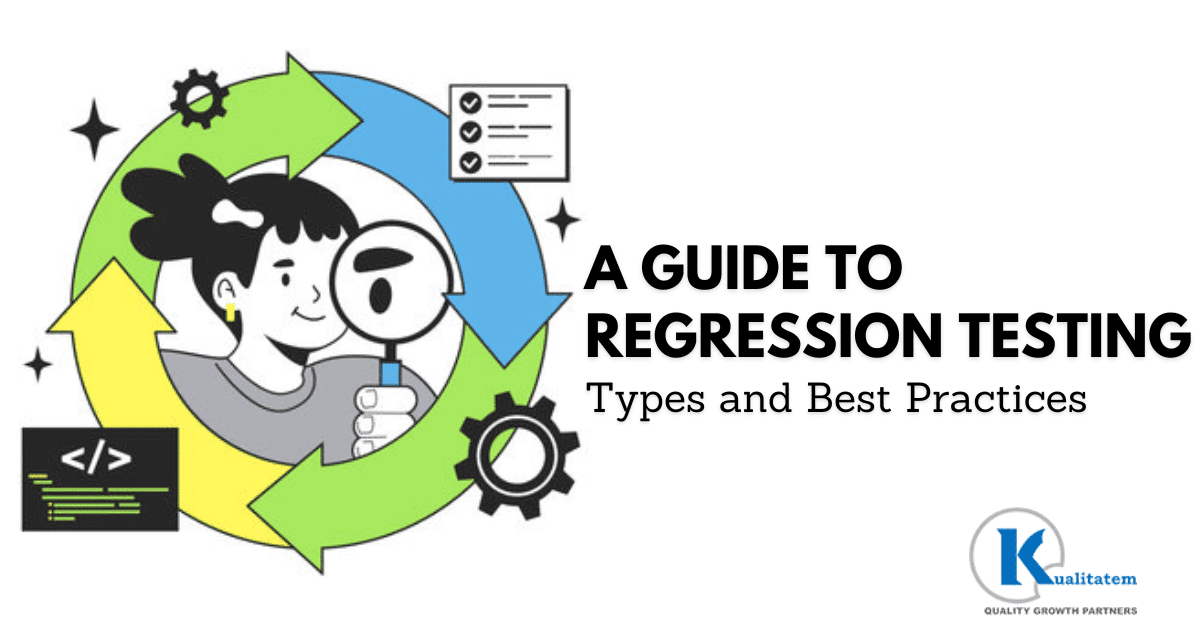
Every software update carries risk. A bug fix, a new feature, an infrastructure change, even a routine dependency upgrade, can break something that worked fine yesterday. Regression testing exists to catch that risk before it reaches production.
Regression testing re-runs existing test cases after a change, to confirm the application still behaves the way it did before. It is one of the most consistent quality assurance practices in software development, and one of the easiest to under-invest in as an application grows.
This guide covers what regression testing checks, when teams need to run it, the types available, manual versus automated approaches, common tools, the challenges teams hit at scale, and how to build a strategy that holds up as the application grows.
Regression testing confirms that a change to an application does not break its existing features or functionality. The process re-executes previously written test cases and checks whether they still pass, or whether the change introduced a new defect.
The goal is to catch unintended side effects of a change, a new bug, a broken calculation, or performance testing issues before a release ships, not after. Regression testing can run manually or through automation, depending on the size of the suite and how often it needs to run. Automation tends to win out for anything run repeatedly, since it executes the same cases the same way, every time, without tester fatigue.
Regression testing protects the parts of an application that already work while the team keeps changing the parts that do not. Skip it, and every release becomes a gamble on what might have broken silently.
Consider a banking application adding a new feature: scheduled recurring transfers between a customer’s own accounts.
The feature itself only touches the transfers module, but a regression suite exists because “only touches” is rarely true in practice. Before release, the QA team runs regression cases against the modules most likely to interact with the new code, even indirectly.
None of these modules were touched by the new feature’s code directly. All four had passing regression cases from before the change shipped, which is exactly what caught a real issue in this kind of scenario: a scheduled transfer sharing a database trigger with the notification system, silently double-firing a notification for unrelated one-time transfers. A feature-only test plan would have missed it. The regression suite did not.
Re-checks individual functions, methods, or classes after a change touches them. It’s fast, cheap, and safe to run on every commit, though it doesn’t catch integration issues between units on its own. A developer changing a tax calculation function relies on unit regression tests to confirm every existing tax bracket still calculates correctly. Mike Cohn’s test automation pyramid places the largest volume of automated tests at this layer for exactly that reason: unit tests are the cheapest and fastest a team can run, which is why this layer should execute automatically on every commit.
Re-checks the specific area a change touched, rather than the whole suite. It’s faster than a full run and keeps release velocity up for small, localized changes, though it carries the risk of missing a defect somewhere the team assumed was unaffected. A CSS fix on the checkout page, for example, triggers a partial run limited to checkout-related cases. This fits well as a fast feedback loop inside a single sprint, paired with a fuller run before release.
Reruns the complete regression suite after a change, making it the most comprehensive option and the one most likely to catch a defect a partial run would miss. That thoroughness comes at a cost: it’s slow and resource-intensive, which makes it impractical on every commit. A team preparing a quarterly release that touches checkout, account management, and search runs the entire suite before it ships. This is usually reserved for release branches or nightly builds, not every commit.
Runs a chosen subset of cases based on business importance rather than which area changed. It protects the highest-risk paths without the time cost of a full run, though it depends entirely on the team correctly judging what matters most; a wrong call leaves a real gap. A payments team, for instance, always includes card authorization and refund cases in every selective run regardless of what changed that sprint. It works well as a fast pre-merge gate, with a fuller run scheduled separately.
Exercises the complete application, every feature together, after a change. It comes closest to the real user experience and catches cross-module defects that unit or partial testing would miss, but it’s slow to run and often brittle, since a failure anywhere can fail the whole run. Adding a new shipping option, for example, calls for an end-to-end run through browsing, cart, checkout, and order confirmation together. It’s typically automated but run less often than unit tests, commonly nightly or before a release.
Reruns every test case in the library, changed or not. It’s the most thorough option available, leaving no case unchecked, but also the most time- and resource-intensive, which makes it a poor fit for routine releases. After a major framework upgrade that could touch any part of the codebase in ways nobody can fully predict, a team reruns the entire case library rather than guessing at impact. This is reserved for major migrations, not routine sprints.
| 1. Unit | Single function, every commit • fastest |
| 2. Partial | Just the area a change touched • per sprint |
| 3. Full | Entire suite, before release • per release |
| 4. Selective | Highest-risk cases only • risk-based |
| 5. End-to-End | Whole app, exercised together • nightly |
| 6. Retest-All | Every case, no exceptions • major migrations |
| Aspect | Manual Regression Testing | Automated Regression Testing |
| Speed | Slower, limited by tester hours | Fast, runs unattended |
| Best for | Exploratory testing, one-off UI checks, brand new or unstable features | Stable, frequently repeated cases inside CI/CD |
| Setup cost | Low upfront cost | Higher upfront cost to script and maintain |
| Consistency | Varies by tester and time pressure | Identical execution on every run |
| Scalability | Does not scale well as the suite grows | Scales with the pipeline, not with headcount |
| Maintenance | No script maintenance, but repeated manual effort every cycle | Needs ongoing script upkeep as the app changes |
Automation earns its cost back on cases run often: suites that execute on every build, every day, or every commit. Manual testing still has a real place for exploratory testing, for validating a brand new feature where a written case does not exist yet, and for judging whether something merely functions or actually feels right, a call automation cannot make on its own.
| Tool | Best For |
| Selenium | Web application regression testing |
| Playwright | Modern web applications |
| Cypress | Front-end testing |
| Appium | Mobile regression testing |
| Ranorex | Enterprise desktop and web testing |
Kualitatem’s Test Automation Services build regression suites around whichever of these tools fits the application, rather than forcing one tool across every layer of the stack.
Where best practices cover the day-to-day habits, a strategy covers how the whole regression program gets organized.
| 1. Objectives | What the suite actually protects |
| 2. Scope | Which type runs at which stage |
| 3. Prioritization | Rank cases by business risk |
| 4. Entry & exit criteria | When testing starts, when it’s done |
| 5. Automation selection | Automate by stability, not by default |
| 6. Continuous maintenance | Built into the release cadence itself |
| Factor | In-House | Outsourced |
| Cost | Fixed headcount cost regardless of release volume | Scales with actual testing volume |
| Scalability | Limited by current team size | Flexes up or down with release cadence |
| Expertise | Depends on who the team has already hired | Access to specialists across tools and industries |
| Speed | Bound by internal capacity and competing priorities | Dedicated capacity focused on testing alone |
| Maintenance | Falls on the same team writing the product code | Owned by a team whose core job is suite upkeep |
| Long-term resourcing | Requires ongoing hiring and training investment | Requires vendor management instead of hiring |
An in-house team makes sense when regression testing needs deep, constant context on a single product and the organization already has the headcount to support it. Outsourcing to a QA partner makes more sense when release volume outpaces internal capacity, when the skill set needed (automation frameworks, specific tools, specific industries) does not exist in-house yet, or when the cost of building and maintaining that skill set exceeds the cost of hiring a partner who already has it. Kualitatem’s QA Consulting Services and Test Automation Services are built around this exact handoff, taking over suite ownership without the client having to build that capability from scratch.
What is regression testing?
Regression testing re-runs existing test cases after a change to confirm the application still behaves the way it did before, and to catch any new defects the change introduced.
Why is regression testing important?
It catches unintended side effects of a change before they reach production, which protects release stability and lowers the cost of fixing defects compared to catching them after launch.
What is the difference between regression testing and retesting?
Retesting confirms that a specific, previously failed test case now passes after a fix. Regression testing checks that the fix did not break anything else nearby. Teams typically do both together.
When should regression testing be performed?
After bug fixes, new features, environment changes, updates and upgrades, code refactoring, third-party API changes, infrastructure migrations, security patches, configuration changes, and major framework upgrades.
Can regression testing be automated?
Yes, and for cases run often, automation is usually the better option. Manual software testing still holds value for exploratory testing and for brand new features without an existing written case.
Which tools are best for regression testing?
Selenium and Playwright cover web applications, Cypress covers front-end testing, Appium covers mobile, and Ranorex covers enterprise desktop and web testing together. The tool table earlier in this guide matches each one to its best use case.
Google Cloud. (2024). 2024 State of DevOps Report. Google Cloud. https://cloud.google.com/devops/state-of-devops
Capgemini, & Sogeti. (2025). World Quality Report 2025-26 (17th ed.). Capgemini. https://www.capgemini.com/insights/research-library/world-quality-report-2025-26/
Cohn, M. (2009). Succeeding with agile: Software development using Scrum. Addison-Wesley Professional.
Regression testing is what keeps an application’s existing functionality intact while the team keeps changing the parts around it. The six types covered here, unit, partial, full, selective, end-to-end, and retest-all- each fit a different moment in the release cycle, and most mature teams use several of them together rather than picking just one.
Getting this right takes more than good intentions. It takes a suite that gets maintained on purpose, prioritization based on real business risk, and a strategy that scales as the application grows instead of buckling under its own test count. Whether that runs in-house or through a partner like Kualitatem’s Test Automation Services and Functional Testing Services, the goal stays the same: catch what broke before a user does.

Nabeesha is a Digital Content Executive at Kualitatem Inc. With a background in communication and extensive knowledge of QA and cybersecurity, she brings a business-first lens to technical content. Her work helps CTOs and engineering leaders cut through the noise and make confident decisions about software quality.
Not sure where your QA stands?
Speak to an Expert



Our experts are all ready. Explain your business needs, and we’ll provide you with the best solutions. With them, you’ll have a success story of your own.
Contact us now and let us know how we can assist.