Payment Gateway Testing: Complete Guide, Test Cases & Checklist 2026 – Content gap
October 11, 2026



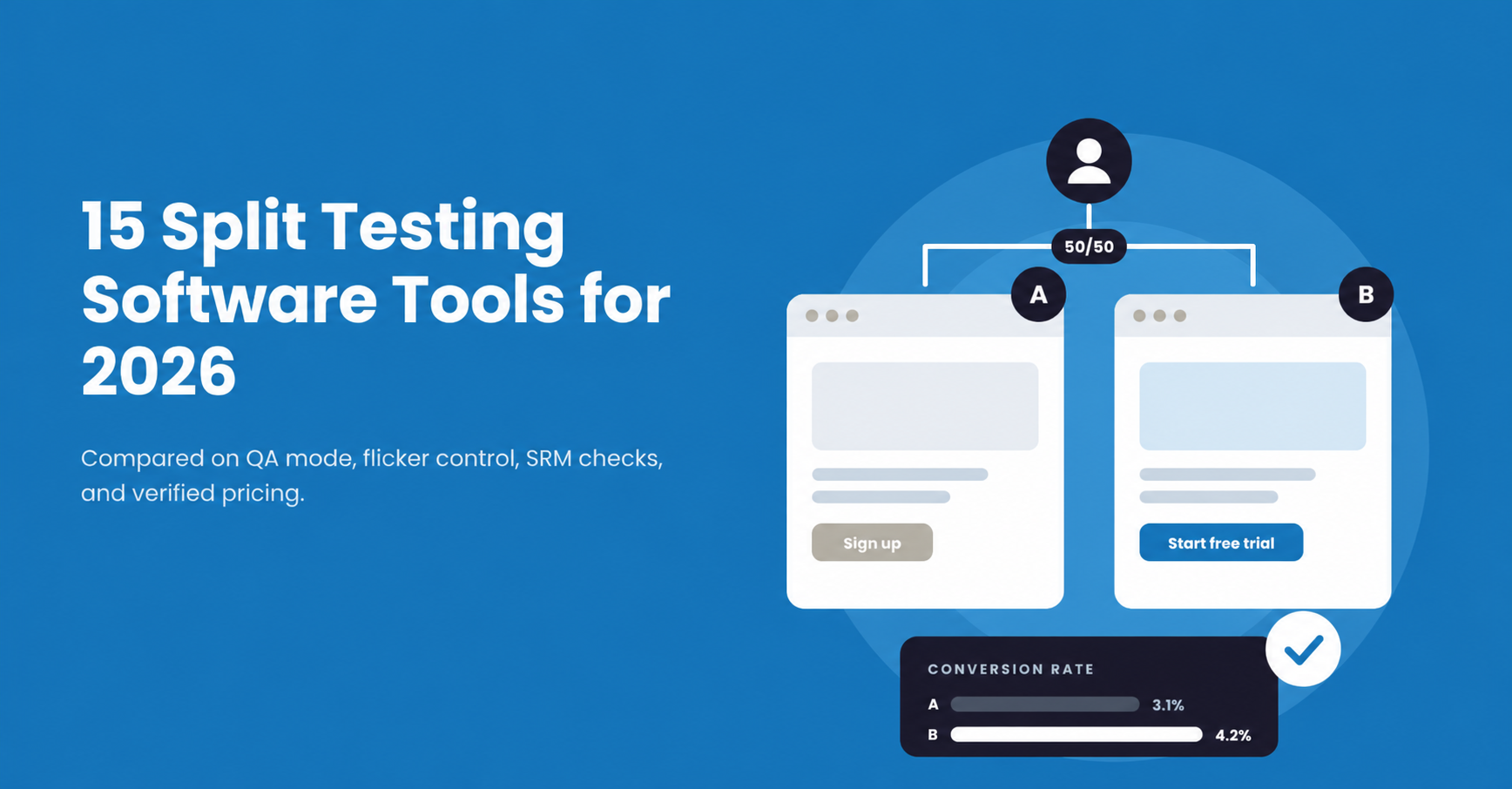
Split testing software replaces opinion with evidence. Your team puts two versions of a page, feature, or checkout in front of real users and measures which one performs better.
The tool itself is only half the story. At Kualitatem, our QA engineers see the same pattern across client projects. A test reaches significance, the team ships the winner, and the lift never shows up in revenue. The cause is rarely the idea. The cause is a broken variation on one browser, a goal that fired twice, or a traffic split that drifted from 50/50.
So our team reviewed these 15 tools through a QA lens. We looked at how each one lets you preview and force variations, how it controls flicker, which statistics engine it uses, and whether it detects Sample Ratio Mismatch. Pricing comes from each vendor’s own pricing page in October 2026.
Split testing software compares versions of a webpage, landing page, or product feature and measures which version performs better. The right tool depends on four things: where your tests run (browser or server), who builds them (marketers or developers), how much traffic you have, and how pricing scales with that traffic. For QA, the deciding features are a reliable preview mode, a way to force variations, and built-in SRM detection.
Our QA engineers reviewed each vendor’s product documentation, developer docs, pricing page, and trial or free plan details. We scored every tool against the questions we ask on client experimentation projects:
A marketing team testing landing pages needs a different platform than an engineering team testing product features. Here is what our team found for each tool.
VWO homepage, captured October 2026. Source: vwo.com/
Best For: CRO teams that want marketers and developers in one experimentation platform.
Key Features: VWO covers web A/B tests, split URL tests, multivariate tests, server-side and mobile experiments, and feature experimentation. In September 2026, VWO and AB Tasty began operating under one brand, Wingify. Existing VWO SmartCode, campaigns, and APIs keep working after the domain move, according to the Wingify product update page.
What Our QA Team Noticed: The QA story is strong here. Live Preview opens each variation in a new tab, and the QA Assistant panel checks URL match, targeting, applied changes, and metric firing in one place. Reporting uses group-sequential correction with a Bayesian or frequentist view. Continuous Sample Ratio Mismatch (SRM) checks sit inside “Experiment Vitals”, which also enforces a 7-day minimum runtime.
Watch Out For: Multivariate testing starts on the Pro plan, per the Wingify pricing page. On React or Angular sites, framework re-renders can override editor changes, so our team would QA every SPA route by hand before launch.
Pricing: Growth, Pro, and Enterprise plans are quote-based. Wingify sets plan limits by monthly tracked users (MTU): Growth covers up to 250K to 500K MTU and Pro covers up to 12M MTU. A 30-day trial replaced the old free Starter plan.
Optimizely homepage, captured October 2026. Source: www.optimizely.com/
Best For: Enterprises that test both web experiences and application features.
Key Features: Optimizely covers web experimentation, feature experimentation, personalization, and feature flags. Its multivariate tests support up to 64 combinations with full or partial factorial designs, according to Optimizely documentation.
What Our QA Team Noticed: Optimizely has a complete URL-based QA toolkit. The optimizely_x parameter forces a variation, and optimizely_token=PUBLIC previews draft or paused experiments. The Experimentation Assistant Chrome extension shows active experiments and bucketing. Stats Engine uses sequential testing, and automatic SRM detection runs on qualifying A/B tests.
Watch Out For: Forcing a variation with optimizely_x disables tracking events. A QA engineer has to add optimizely_force_tracking=true to confirm goals fire. Optimizely also recommends a synchronous snippet in the page head, because async loading increases flicker risk. Edge Delivery is the option for teams that need zero flicker.
Pricing: Custom quote. Optimizely says every plan is packaged individually based on traffic, products, and implementation scope.
Convert homepage, captured October 2026. Source: www.convert.com/
Best For: CRO agencies and privacy-focused teams.
Key Features: Convert Experiences supports A/B, split URL, multivariate, multi-page, and full-stack tests, plus feature flags, multi-armed bandits, and personalization.
What Our QA Team Noticed: Convert gives QA teams several layers. The _conv_eforce parameter forces a variation on active experiences. QA audiences work through a URL parameter or a cookie, and a QA Overlay plus a Chrome Debugger extension show what fired. Full-stack tests use a preview parameter with a 24-hour debug token. Reports flag a “Potential Sample Ratio Mismatch”.
Watch Out For: SRM checking must be switched on per project. Convert recommends a synchronous snippet to remove flicker, and its own FAQ lists the snippet at about 50 KB in one answer and about 93 KB gzipped in another. Our team would measure page weight on your own site before rollout.
Pricing: Growth is $399/month, or $299/month billed annually, with 100K tested users and 5 experiences per project. Pro is $599/month, or $420/month billed annually. Multivariate, multi-page, full-stack, and sequential testing require Pro. Enterprise starts at 1M tested users with custom pricing. A 15-day trial is available.
AB Tasty homepage, captured October 2026 (abtasty.com now redirects to wingify.com). Source: www.abtasty.com/
Best For: Teams that combine experimentation with personalization.
Key Features: AB Tasty supports A/B/n, multivariate, split, and personalization campaigns, plus feature experimentation and progressive rollouts. AB Tasty describes the Wingify move as a branding shift with no functional change.
What Our QA Team Noticed: QA mode limits a campaign to QA audiences defined by IP, cookie, or URL parameter. The QA Assistant opens with a keyboard shortcut and shows campaigns, events, and transactions. QA sessions stay out of the reports. The tag is 3 KB, and AB Tasty claims load times under 100 ms on its CDN.
Watch Out For: AB Tasty documents no URL parameter for forcing a variation. QA engineers force variations inside the QA Assistant or by editing the ABTasty cookie. A “Traffic rejected” status also sticks in that cookie, so testers need incognito sessions or cleared cookies between runs. Sequential SRM checks are available only through an Early Adopters program.
Pricing: Custom pricing based on traffic or MAU, domains, and modules. AB Tasty offers a 1 to 2 week proof of concept in place of a free trial.
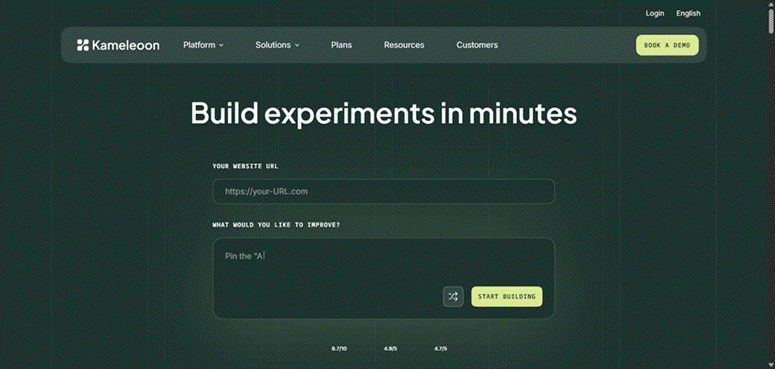
Kameleoon homepage, captured October 2026. Source: www.kameleoon.com/
Best For: Enterprise experimentation and personalization.
Key Features: Kameleoon combines web A/B tests, URL redirect tests, feature experimentation, server-side SDKs, personalization, and prompt-based experiments.
What Our QA Team Noticed: Kameleoon has a deep statistics layer. Teams choose fixed-sample frequentist, Bayesian, or sequential methods, and CUPED is available for variance reduction. SRM uses a chi-square test and alerts on the Results page. Simulation mode lets a tester force a variation, share a preview link or QR code, and inspect segments and triggers without polluting reports.
Watch Out For: The async tag hides the page for a short window, and Kameleoon documents a 1,000 ms default timeout that about 2 to 3% of visitors hit. On the Starter plan, CUPED, the code editor, and feature experimentation are paid add-ons.
Pricing: PBX Starter starts at $495/month with up to 10 experiments and 50K MTU. Enterprise is custom. A 30-day trial is available.
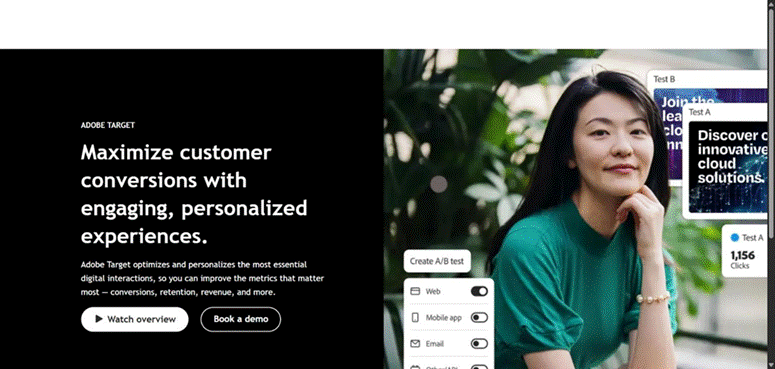
Adobe Target homepage, captured October 2026. Source: business.adobe.com/products/target.html
Best For: Enterprises already on Adobe Experience Cloud.
Key Features: Adobe Target supports A/B, Auto-Allocate, multivariate, and Experience Targeting activities, with the Visual Experience Composer for editing. Auto-Target, Automated Personalization, and Recommendations require a Target Premium license.
What Our QA Team Noticed: Activity QA URLs do not expire, and QA traffic reports separately inside Target. Sticky QA mode on at.js 2.x keeps a tester in QA across pages. For flicker, at.js hides the body until Target responds. Reporting uses a frequentist Welch t-test, with Bayesian available for conversion goals.
Watch Out For: With Analytics for Target (A4T) reporting, QA hits land in the live Analytics report suite. QA URLs also break on “URL is” targeting rules. Adobe documentation lists no built-in SRM detection, so our team would add an SRM check to the analysis step.
Pricing: Custom quote based on product configuration, digital properties, and delivery requirements.
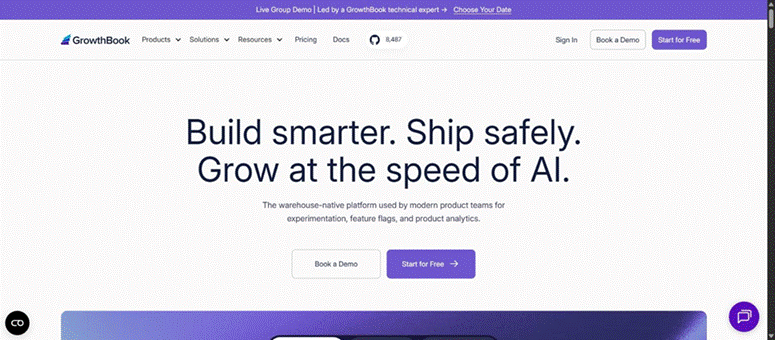
GrowthBook homepage, captured October 2026. Source: www.growthbook.io/
Best For: Developer teams that want experiments tied to their data warehouse.
Key Features: GrowthBook runs feature flag experiments, inline SDK experiments, URL redirect tests, bandits, and visual editor tests. It is open source and can be self-hosted.
What Our QA Team Noticed: GrowthBook is transparent about statistics. It uses Bayesian analysis by default, with frequentist and sequential options, CUPED, and automatic SRM checks on every plan. The DevTools extension for Chrome and Firefox forces variations and overrides flags and attributes during QA.
Watch Out For: GrowthBook documentation warns that React, Vue, or Svelte re-renders can overwrite visual editor changes. Front-end redirect tests also risk SRM from missed tracking calls. Edge SDKs on Cloudflare, Fastly, Akamai, or Vercel avoid both issues.
Pricing: Starter is free for 3 users. Pro is $40 per seat per month for up to 30 users and includes the Visual Editor, CUPED, sequential testing, and split URL tests. Enterprise is custom.
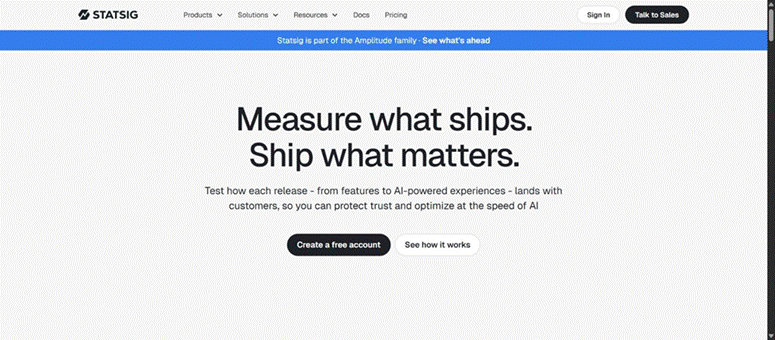
Statsig homepage, captured October 2026. Source: www.statsig.com/
Best For: Product and engineering teams that ship behind feature gates.
Key Features: Statsig combines A/B tests, feature gates, warehouse-native experiments, switchback tests, bandits, and product analytics. Sidecar adds a visual editor for web tests. The Statsig homepage now says Statsig is part of the Amplitude family.
What Our QA Team Noticed: Statsig ships CUPED, sequential testing, and a chi-squared SRM health check. Overrides place specific users or segments into a group, and a Diagnostics tab confirms which group a user is in. Sidecar supports an overrideuser parameter to preview a group before launch.
Watch Out For: Overrides added after a user’s first exposure leave that user in the original group for results. On the free Developer tier, lift calculations stop once you pass 2M events per month.
Pricing: Developer is free up to 2M events per month. Pro is $150/month with 5M events, then $0.05 per 1,000 events. Enterprise is custom.
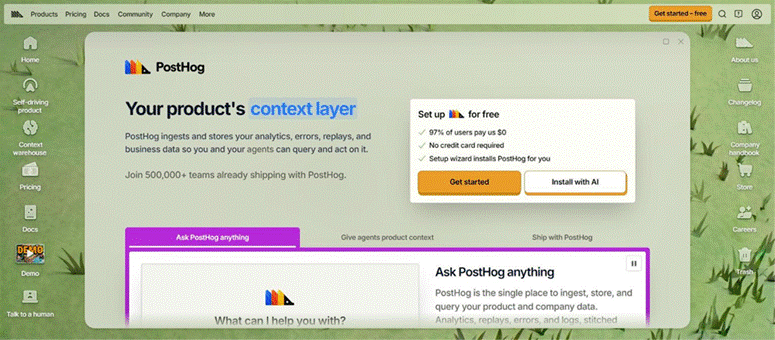
PostHog homepage, captured October 2026. Source: posthog.com/
Best For: Product teams that want experiments, analytics, and session replay in one tool.
Key Features: PostHog runs flag-backed experiments and no-code web experiments, alongside product analytics, funnels, session replay, and error tracking.
What Our QA Team Noticed: PostHog uses Bayesian statistics with optional CUPED. Testers override flags in the toolbar or in code, and release conditions can target internal emails during QA. Session replay helps QA engineers watch how each variant behaves for real users.
Watch Out For: PostHog has no built-in anti-flicker. Its own tutorial recommends bootstrapping flags or hiding elements until flags load. PostHog also calls no-code experiments a poor fit for React, Vue, or Angular SPAs.
Pricing: Experiments bill on feature flag requests. The first 1M requests per month are free, then $0.0001 per request, dropping to $0.00001 above 50M.
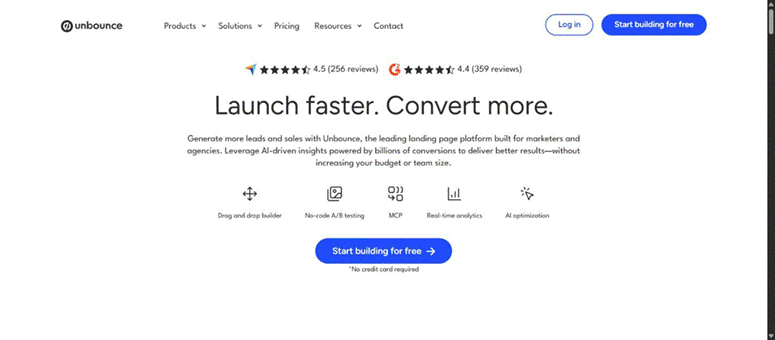
Unbounce homepage, captured October 2026. Source: unbounce.com/
Best For: Landing page A/B testing for paid campaigns.
Key Features: Unbounce combines a landing page builder with weighted A/B variants and Smart Traffic, which routes visitors to the variant most likely to convert. Pages are hosted by Unbounce, so client-side flicker is out of scope.
What Our QA Team Noticed: Testers view a specific variant by adding a.html or b.html to the page URL. Unbounce reports confidence based on a chi-square test.
Watch Out For: Unbounce cannot track conversions on variant-specific URLs, so those links work for visual QA only. Returning visitors also stay on their first variant even after you set it to 0% weight. The fix is to deactivate the variant and republish.
Pricing: A/B testing starts on the Experiment plan at $149/month, or $112/month billed annually, with 30K visitors. Smart Traffic starts on Optimize at $249/month, or $187/month billed annually.
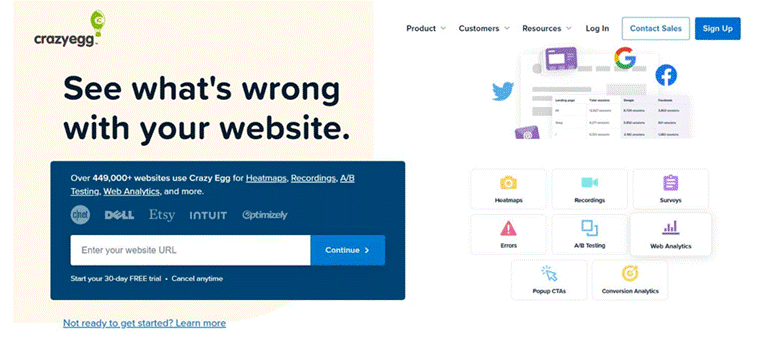
Crazy Egg homepage, captured October 2026. Source: www.crazyegg.com/
Best For: Small teams that pair behavior analytics with simple tests.
Key Features: Crazy Egg combines heatmaps, scrollmaps, session recordings, and web analytics with visual editor A/B tests and URL redirect tests. Tests run as a manual split or a multi-armed bandit.
What Our QA Team Noticed: Share links let stakeholders preview a test without logging in, and the editor previews each device size. Heatmaps help the team find the next hypothesis before a test starts.
Watch Out For: Crazy Egg publishes no named statistical method and points users to an external significance calculator. Data collection also pauses when a plan hits its pageview cap, which can stall a running test until the next month.
Pricing: A/B testing starts on Plus at $99/month billed annually with 150K tracked pageviews. Pro is $249/month and Enterprise is $599/month. Starter at $29/month excludes A/B testing.
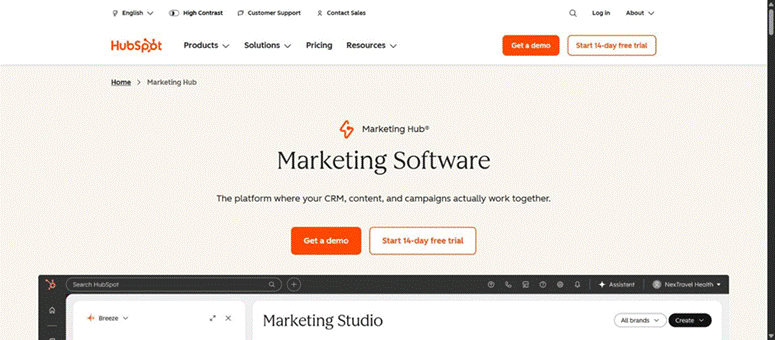
HubSpot homepage, captured October 2026. Source: www.hubspot.com/products/marketing
Best For: Marketing teams already running pages and email in HubSpot.
Key Features: HubSpot supports page A/B tests, adaptive page tests with up to 5 variations, email A/B tests, and CTA tests, all tied to CRM data and campaign reporting.
What Our QA Team Noticed: Each page version gets its own preview URL while both share one live URL. A visitor keeps the same version within a session. Email tests pick a winner on open rate, click rate, or click-through rate after a set number of hours.
Watch Out For: Page A/B tests and adaptive tests require Content Hub Professional or Enterprise, according to the HubSpot Knowledge Base. Marketing email A/B tests require Marketing Hub Professional or Enterprise. Multi-language pages need a separate test per language, and HubSpot publishes no statistical method.
Pricing: Marketing Hub Professional is $800/month billed annually, or $890 billed monthly, with 3 seats and a $3,000 onboarding fee, according to the HubSpot blog (updated September 2026). Enterprise is $3,600/month with a $7,000 onboarding fee. Confirm Content Hub pricing with HubSpot for page tests.
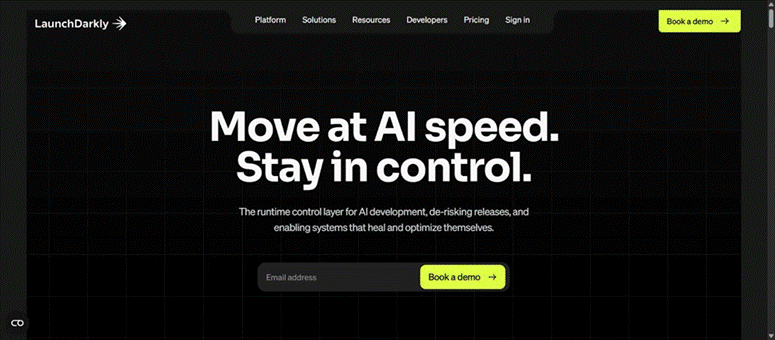
LaunchDarkly homepage, captured October 2026. Source: launchdarkly.com/
Best For: Feature experimentation and controlled releases.
Key Features: LaunchDarkly runs flag-based A/B/n tests, A/A tests, multi-armed bandits, and guarded rollouts through SDKs. It has no visual editor.
What Our QA Team Noticed: LaunchDarkly offers Bayesian or frequentist analysis, sequential testing, CUPED for mean-based metrics, and SRM detection that warns at 99% probability. Individual targeting and a developer toolbar let QA engineers lock themselves into a variation. Server-side bootstrapping prevents flicker in client SDKs.
Watch Out For: Experimentation is unavailable on the LaunchDarkly EU instance. Outdated SDK or Relay Proxy versions can also invalidate results, so version checks belong in the QA plan.
Pricing: Developer is free with 100K experimentation MAU per month. Foundation is $10 per service connection per month plus $8.33 per 1,000 client-side MAU, billed yearly. Enterprise is custom. An older LaunchDarkly support article still lists Experimentation as an add-on, so confirm scope with sales.
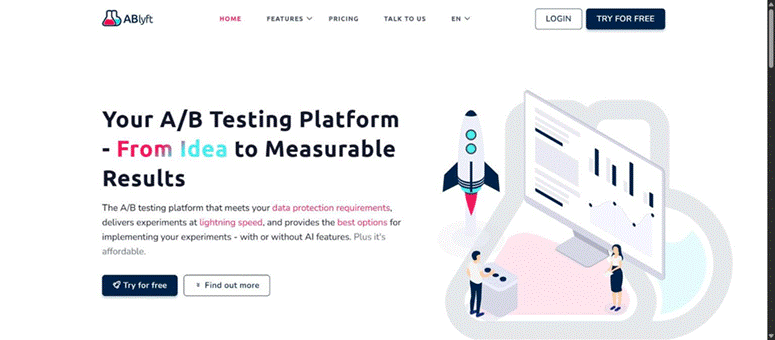
ABlyft homepage, captured October 2026. Source: ablyft.com/
Best For: Ecommerce CRO teams that care about page speed.
Key Features: ABlyft supports A/B, redirect, SPA, and multi-page funnel experiments, plus a Feature Experimentation API for hybrid tests.
What Our QA Team Noticed: ABlyft has a clean, test-automation-friendly QA setup. The ablyft_preview parameter forces a variation, a QA token protects previews, and preview visits stay out of tracking. A forceVariation option supports automated tests, which fits Selenium or Playwright regression suites. The snippet is about 13 KB, and reports include an SRM warning.
Watch Out For: With “Use SPA features” switched off, Reset JS never runs, so changes persist across views. Running auto-triggers and reInit() together causes double execution and flicker.
Pricing: Free plan with no credit card. The paid plan is quoted case by case.
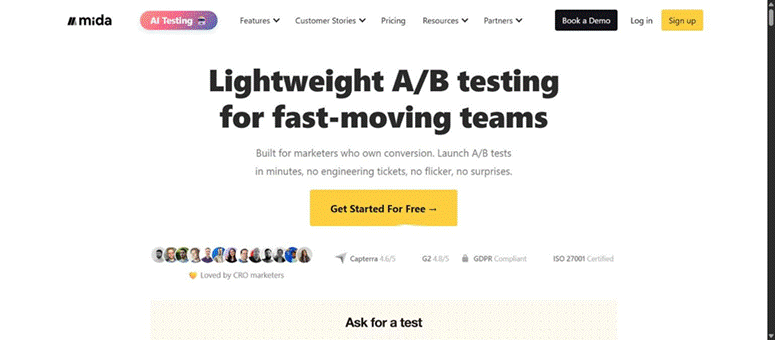
Mida homepage, captured October 2026. Source: www.mida.so/
Best For: Teams that want fast website testing without an enterprise contract.
Key Features: Mida supports A/B, split URL, multipage, and cross-domain tests, plus feature flags. Server-side SDKs and personalization start on the Growth plan.
What Our QA Team Noticed: The script is 15 KB compressed with a claimed load of about 20 ms. SPA support covers History API changes, hash changes, DOM changes, and React, Vue, Next.js, and Nuxt frameworks.
Watch Out For: Mida publishes no statistical method and offers SRM only as a standalone calculator. Our team would run SRM checks outside the tool. The optional anti-flicker script hides the body for up to 3,000 ms, so Mida recommends it only for above-the-fold tests.
Pricing: Sandbox is free with 100K MTU, 2 live tests per project, and 60-day data retention. Growth is $224/month billed annually, or $299 billed monthly. Enterprise is custom.
This table focuses on the capabilities that shape implementation and QA effort. A visual editor reduces developer dependency. Server-side support matters for product teams. SRM detection catches broken traffic splits before they mislead you.
| Tool | Best For | A/B | MVT | Visual Editor | Server-Side | SRM Check | Starting Price |
| VWO | CRO | ✓ | ✓ (Pro) | ✓ | ✓ | ✓ | Custom, 30-day trial |
| Optimizely | Enterprise | ✓ | ✓ | ✓ | ✓ | ✓ | Custom |
| Convert | CRO, agencies | ✓ | ✓ (Pro) | ✓ | ✓ (Pro) | ✓ | $299/mo annually |
| AB Tasty | Personalization | ✓ | ✓ | ✓ | ✓ | Beta | Custom |
| Kameleoon | Enterprise | ✓ | Not listed | ✓ | ✓ | ✓ | $495/mo Starter |
| Adobe Target | Adobe users | ✓ | ✓ | ✓ | ✓ | Not listed | Custom |
| GrowthBook | Developers | ✓ | No | ✓ (Pro) | ✓ | ✓ | Free / $40 per seat |
| Statsig | Product teams | ✓ | No | ✓ | ✓ | ✓ | Free / $150/mo |
| PostHog | Product teams | ✓ | No | ✓ | ✓ | Not listed | Free / usage-based |
| Unbounce | Landing pages | ✓ | No | ✓ | No | No | $112/mo annually |
| Crazy Egg | Small teams | ✓ | No | ✓ | No | No | $99/mo annually |
| HubSpot | HubSpot users | ✓ | No | ✓ | No | No | $800/mo annually |
| LaunchDarkly | Feature releases | ✓ | No | No | ✓ | ✓ | Free / usage-based |
| ABlyft | Ecommerce CRO | ✓ | Not listed | ✓ | ✓ | ✓ | Free / Custom |
| Mida | Website testing | ✓ | No | ✓ | ✓ (Growth) | No | Free / $224/mo annually |
Pricing note: Prices are in USD and come from each vendor’s pricing page or official blog in October 2026. “Not listed” means the vendor documentation our team reviewed does not mention the feature. Total cost changes with traffic, users, events, contacts, seats, add-ons, taxes, and billing cycle.
Start with the problem you need to solve. A comparison list is a shortlist, and your stack decides the rest.
This is the checklist our engineers run on client experiments. It applies to every tool on this list.
The software is one factor. The quality of the experiment matters just as much.
Choosing the tool is step one. Your experiments also need to work across devices, user journeys, integrations, and analytics.
Kualitatem’s QA engineers test experiments before and after launch. We catch broken variations, double-firing events, SRM issues, usability gaps, and performance regressions before they distort your results. Our team brings TMMi Level 5 processes and 200+ ISTQB-certified engineers to every engagement.
Ready to trust your test results? Talk to a Kualitatem expert about your experimentation QA.
Split testing software shows different versions of a webpage, feature, or page element to different audiences and compares the results. Depending on the platform, it handles traffic allocation, variation delivery, conversion tracking, statistical analysis, personalization, and reporting.
In website experimentation, the two terms usually mean the same thing. Some vendors use “split URL testing” for tests that send users to separate URLs. Modern platforms also run A/B/n, multivariate, personalization, feature, and server-side experiments.
No single number applies. Sample size depends on your baseline conversion rate, the minimum lift you want to detect, the number of variations, the statistical method, and your confidence level. More variations and more segments need more traffic.
Sample Ratio Mismatch (SRM) happens when the actual traffic split differs from the planned split, such as 54/46 on a 50/50 test. It usually points to a bug in redirects, tracking, or targeting. VWO, Optimizely, Convert, Kameleoon, GrowthBook, Statsig, LaunchDarkly, and ABlyft flag SRM automatically.
Flicker happens when the original page renders before the testing script applies the variation. Synchronous snippets, anti-flicker snippets, server-side testing, and edge delivery reduce it. Each option trades off page speed, so measure Core Web Vitals with the snippet installed.

Head of Product Development — Kualitee Khalid is a Technical Product Manager with 11 years of experience bridging business strategy and technical execution to deliver user-focused SaaS solutions at scale. Led Kualitee’s test management platform to wider global adoption, driving feature adoption and improved client engagement Gold Award P@SHA ICT Awards 2022 | Silver Award — APICTA Awards 2022 Manages product roadmaps end-to-end from concept and development to customer success and on-premises deployment Full-stack development experience across multiple domains, turning complex technical challenges into scalable, intuitive solutions Passionate about travelling and discovering new opportunities to learn and grow Certifications: CSPO (Certified Scrum Product Owner) | ACSPO
Not sure where your QA stands?
Speak to an Expert


Our experts are all ready. Explain your business needs, and we’ll provide you with the best solutions. With them, you’ll have a success story of your own.
Contact us now and let us know how we can assist.