
Summary
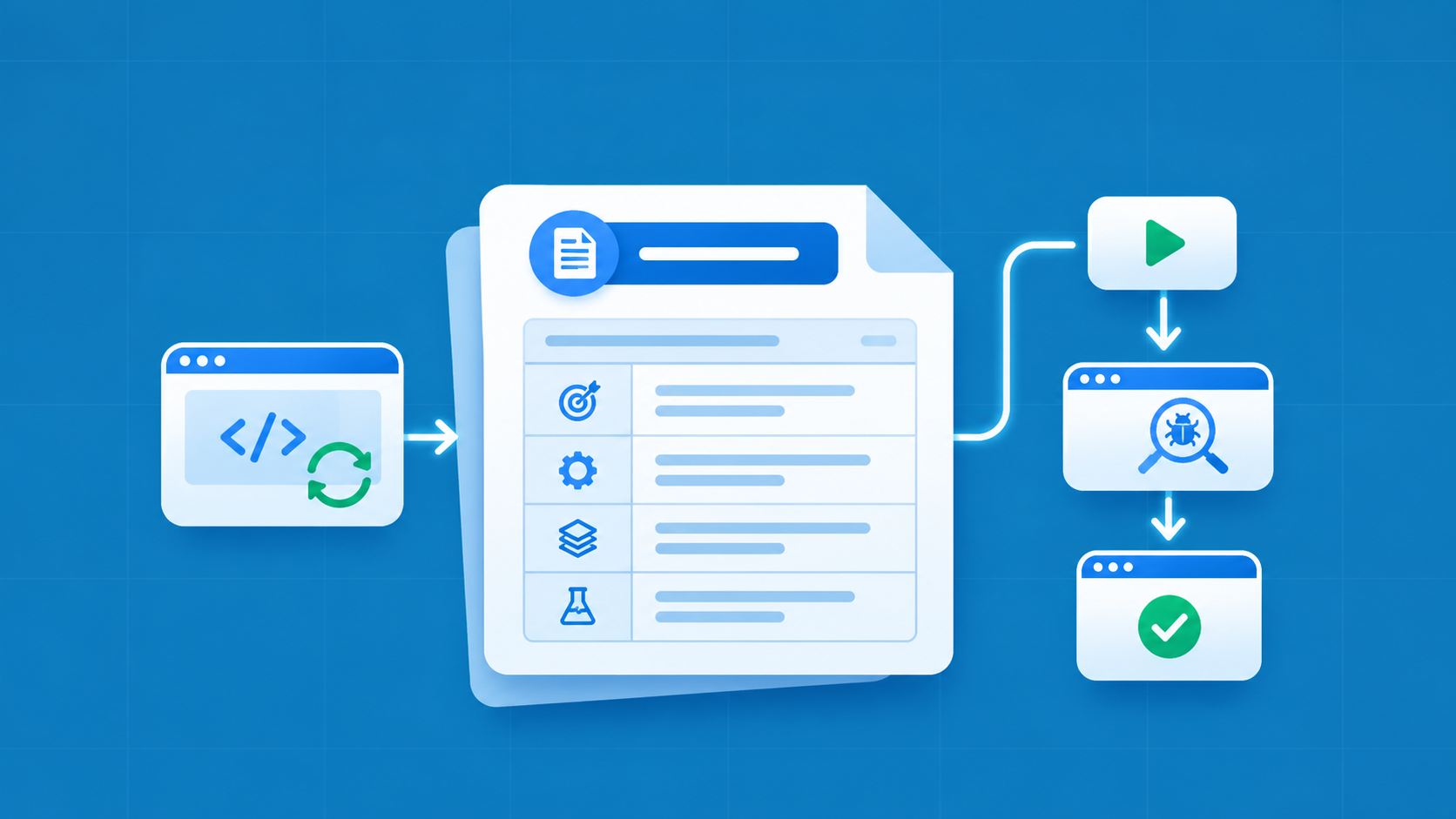
The Regression Test Plan Template helps QA teams organize and manage regression testing before every software release. It provides a structured way to identify affected features, prioritize high-risk test cases, estimate testing effort, assign responsibilities, and track results. With clear entry and exit criteria, defect tracking, and release sign-off sections, teams can make better use of their testing time and make informed release decisions.
Editorial summary · Read the full guide below
Your team has completed 47 changes in the last sprint. The release is scheduled for Friday, and your QA lead has just shared the regression testing estimate.
There are 1,200 test cases in the existing suite. Running all of them requires approximately 60 tester-hours. Your team has only 24 hours available before the release decision.
You could delay the release, add temporary QA capacity, or reduce the regression scope.
But the latest update touches subscription billing. That means payment retries, invoice calculations, refunds, and account permissions could also be affected. Skipping the wrong tests could leave customers with failed transactions or incorrect charges.
So which tests can your team afford to skip, and which ones must pass before Friday?
A regression test plan helps answer that question. It defines what needs testing, which cases deserve priority, who owns execution, and what conditions must be met before deployment.
This guide includes a free regression test plan template, a filled SaaS release example, test selection methods, and practical calculations to help you plan regression testing around your available capacity.
Free template: Copy the regression testing template included below. It covers scope, test selection, entry and exit criteria, responsibilities, execution schedules, and release reporting.
When Do You Need a Regression Test Plan?
A regression test plan becomes necessary when recent changes could affect functionality that was already working.
For example, updating a payment gateway may require more than checking whether customers can complete a new transaction. Your QA team may also need to verify refunds, saved payment methods, subscriptions, and transaction history.
The difficulty increases as your application grows.
According to the Consortium for Information & Software Quality, poor software quality cost the United States an estimated $2.41 trillion in 2022. That figure covers several categories of software problems, including operational failures and technical debt, rather than regression defects alone.
For engineering leaders, the more immediate concern is how an escaped defect affects revenue, customer access, or release stability.
A regression test plan is especially useful when:
- Your test suite takes longer than the release window allows.
- Changes affect shared APIs, databases, or third-party integrations.
- Previously fixed defects repeatedly reappear.
- Several engineering teams contribute to the same release.
- Leadership needs clear evidence before approving deployment.
The plan should explain why you selected particular tests, not just how many you executed.
For a broader explanation of testing approaches, read Kualitatem’s guide to regression testing types and best practices.
What Should a Regression Test Plan Include?
A useful regression testing template should be detailed enough to guide execution but simple enough to update for each release.
The following ten sections cover the information a QA lead needs.
| Section | What to include | Example |
| Objective and scope | Changes, affected features, exclusions | Billing, payments, refunds |
| Test selection | Risk, recent changes, defect history | Prioritize payment authorization |
| Entry criteria | Requirements to begin testing | Stable build, passing smoke checks |
| Exit criteria | Conditions for completing regression | No unresolved critical defects |
| Environments and data | Configurations, accounts, datasets | Staging with prepared payment accounts |
| Schedule and owners | Dates, responsibilities, approvals | The QA lead owns final reporting. |
| Automation approach | Automated and manual tests | API regression in CI/CD |
| Defect handling | Severity, retesting, escalation | Critical issues block release. |
| Reporting | Results, blocked cases, remaining risk | Daily and final QA summaries |
| Risks and assumptions | Dependencies, limitations, mitigation | Payment sandbox availability |
Unlike a general software test plan, a regression test plan focuses on protecting existing functionality from the effects of a particular change.
Let’s see how these sections work in a release where testing time is limited.
Regression Test Plan Example: A SaaS Billing Release
The following scenario is fictional. All test counts, schedules, and calculations are illustrative rather than actual client data.
Consider a mid-market SaaS company introducing a subscription billing update.
The development team has added mid-cycle upgrades, revised invoice calculations, and updated payment retry logic.
The release profile looks like this:
| Release information | Details |
| Application | B2B subscription management platform |
| Release version | 4.2 |
| Release window | Two-week sprint |
| Changes included | 47 |
| Existing regression cases | 1,200 |
| Average test effort | 3 minutes |
| Full-suite estimate | 60 tester-hours |
| Available QA capacity | 24 tester-hours |
The team cannot execute the entire regression suite before Friday without changing the schedule or adding resources.
Instead of cutting the suite arbitrarily, the QA lead needs to identify the workflows most likely to be affected.
1. Define the scope around changed functionality
The first step is to review release changes and map them to existing workflows.
| Changed component | Existing functionality at risk | Business consequence |
| Subscription pricing | Upgrades and downgrades | Incorrect customer charges |
| Payment service | Authorization and retries | Failed or duplicate transactions |
| Invoice calculation | Discounts, taxes, totals | Incorrect invoices |
| Refund API | Full and partial refunds | Financial reconciliation problems |
| Account permissions | Billing access | Unauthorized account actions |
| Customer dashboard | Subscription status | Incorrect plan information |
This table becomes the basis for test selection.
It also distinguishes regression testing from new-feature validation. Functional testing confirms that the new subscription upgrade works according to its requirements. Regression testing confirms that existing payment and billing behavior still works after the update.
The distinction is explained in our guide to functional vs. regression testing.
2. Select test cases using business risk
When the full suite cannot run, test selection should account for business impact, change exposure, and previous defects.
One practical method is to assign each factor a score between 1 and 5.
Priority score = Business impact × Change exposure × Defect history
The score ranges from 1 to 125. This is a simple planning method, not an industry-standard formula.
For the SaaS release, the results might look like this:
| Workflow | Impact | Change exposure | Defect history | Score |
| Payment authorization | 5 | 5 | 4 | 100 |
| Subscription upgrades | 5 | 5 | 3 | 75 |
| Refund processing | 5 | 4 | 3 | 60 |
| Invoice calculation | 4 | 4 | 3 | 48 |
| Billing permissions | 5 | 3 | 2 | 30 |
| Dashboard display | 2 | 3 | 2 | 12 |
Payment authorization receives the highest priority because a failure directly affects transactions. Dashboard display receives a lower score because the potential business impact is smaller.
The QA lead should also consider tests required for compliance, contractual obligations, and critical workflows. These cannot automatically be excluded because they receive a lower numerical score.
For more information about choosing the regression scope, see our comparison of full and partial regression testing.
3. Calculate how much regression testing fits the schedule
With 1,200 test cases averaging three minutes each, the estimated execution effort is:
1,200 × 3 ÷ 60 = 60 tester-hours
However, only 24 tester-hours are available.
Allocating every hour to initial execution would leave no capacity for investigating failures, verifying fixes, or preparing the final report.
The QA lead instead reserves:
| Activity | Allocated effort |
| Initial regression execution | 15 hours |
| Defect investigation and retesting | 6 hours |
| Contingency and reporting | 3 hours |
| Total | 24 hours |
At three minutes per case, the team can execute approximately 300 selected tests within the initial 15-hour window.
The proposed selection is:
| Test group | Selected cases | Estimated effort |
| Payment authorization | 65 | 3.25 hours |
| Subscription changes | 60 | 3 hours |
| Refund processing | 35 | 1.75 hours |
| Invoice calculation | 50 | 2.5 hours |
| Billing permissions | 35 | 1.75 hours |
| Shared API integrations | 30 | 1.5 hours |
| Smoke checks | 25 | 1.25 hours |
| Total | 300 | 15 hours |
This reduces the release-specific execution scope from 1,200 to 300 tests.
However, running 25% of the test cases does not mean the team has achieved 25% coverage of the application or its business risks.
The QA lead must verify that the selected tests cover all agreed critical workflows and document any exclusions.
4. Establish entry and exit criteria
Regression testing should begin only when the build, environment, and required data are ready.
For example:
| Entry criteria | Required condition |
| Release candidate | Successfully deployed to staging |
| Smoke testing | Critical smoke checks passed |
| Test data | Required accounts and transactions prepared |
| Integrations | Payment sandbox available |
| Dependencies | Relevant changes reviewed |
Exit criteria determine when regression testing is considered complete.
| Exit criteria | Acceptance condition |
| Critical tests | 100% of designated critical cases pass |
| Release-blocking defects | Zero unresolved critical defects |
| Retesting | Failed critical tests verified after fixes |
| Coverage gaps | Outstanding risks documented |
| Sign-off | QA recommendation reviewed by engineering |
These are illustrative acceptance conditions. Each organization should define thresholds appropriate to its product and risk tolerance.
Our guide to entry and exit criteria in software testing explains how teams can apply these checkpoints throughout the testing lifecycle.
5. Assign testing owners and deadlines
The regression schedule should identify who is responsible for each activity.
| Day | Activity | Owner |
| Wednesday morning | Environment validation and payment tests | QA Engineer 1 |
| Wednesday afternoon | Subscription and invoice regression | QA Engineers 1 and 2 |
| Thursday morning | Refunds, permissions, integration testing | QA Engineers 1 and 2 |
| Thursday afternoon | Defect retesting and final reporting | QA Lead |
| Friday | Release readiness review | Engineering Lead |
If a critical defect is discovered on Thursday, the team uses the reserved retesting window. If the defect remains unresolved, the release approval process must account for it.
What Should the Final Regression Test Report Show?
The final report should help engineering leadership understand whether the release meets its agreed acceptance criteria.
Consider two fictional releases with the same overall pass rate.
| Metric | Release A | Release B |
| Tests executed | 300 | 300 |
| Tests passed | 294 | 294 |
| Pass rate | 98% | 98% |
| Critical cases | 80 | 80 |
| Critical cases passed | 80 | 78 |
| Open critical defects | 0 | 1 |
| QA recommendation | Eligible for approval after review | Hold release |
Both releases achieved a 98% pass rate.
However, Release B has an unresolved critical defect and two failed critical tests. It does not meet the agreed exit criteria.
Release A still requires review of its six failed noncritical tests and any remaining coverage gaps before approval.
This is why a release report should show critical workflow results, open defects, and accepted risks alongside the overall pass rate.
The same distinction between delivery speed and stability appears in Google’s DORA software delivery metrics, which evaluate measures such as change failure rate and deployment rework alongside delivery performance.
How to Choose Between Smoke, Selective, and Full Regression
Not every change needs the same regression scope.
| Approach | When to use it | Example |
| Smoke-first | Every new build | Verify login, navigation, and basic checkout |
| Selective regression | Changes with known dependencies | Test billing and related workflows after a pricing update |
| Full regression | Major releases or uncertain impact | Run the maintained suite after a significant framework migration |
Smoke checks should confirm whether a build is suitable for deeper testing.
Selective regression concentrates effort on affected components and their dependencies. Full regression provides broader coverage when the change impact is extensive or difficult to isolate.
Your regression test plan should record which approach was selected and why.
Running Your Regression Test Plan in CI/CD
For teams deploying frequently, the regression plan should define which checks run automatically and which require release-specific validation.
| Pipeline trigger | Tests to execute | Purpose |
| Pull request | Unit and impacted API tests | Detect problems close to the change |
| Staging deployment | Critical smoke checks | Confirm build readiness |
| Nightly build | Broader automated regression | Identify cross-module failures |
| Before production | High-risk end-to-end tests | Support release approval |
Parallel execution can reduce elapsed testing time, provided the tests are independent and the infrastructure can support concurrent execution.
Test data is another important consideration.
The World Quality Report 2025–26 found that 60% of surveyed organizations struggle with secure, scalable test data. Average synthetic test data use also increased from 14% in 2024 to 25% in 2025.
For a billing application, your team may need separate datasets for expired cards, partial refunds, failed payment retries, and different account permissions.
Running parallel tests against the same transaction records can produce conflicting results. The plan should therefore specify data ownership, isolation, and reset procedures.
Teams looking to expand repeatable regression coverage can also explore Kualitatem’s test automation services.
Common Regression Test Planning Mistakes
| Mistake | Why it matters | Better approach |
| Running everything after every change | Increases execution time regardless of risk | Select tests based on impact |
| Prioritizing by test count | Critical workflows may receive inadequate coverage | Track critical-path results |
| Ignoring shared dependencies | Indirect regressions remain undetected | Map connected components |
| No retesting capacity | Fixes cannot be verified before release | Reserve tester-hours |
| Reporting only pass rates | Critical failures may be hidden | Report defects and coverage gaps |
| Unclear ownership | Defect resolution and sign-off are delayed | Assign accountable owners |
Frequently Asked Questions
What is a regression test plan?
A regression test plan defines how existing functionality will be tested after software changes. It identifies the scope, selected cases, entry and exit criteria, environments, schedule, owners, and reporting requirements. Teams use it to organize regression execution and support release decisions.
What should a regression test plan include?
A regression test plan should include objectives, scope, test selection criteria, entry and exit conditions, environments, test data, schedules, responsibilities, automation, defect handling, reporting, and risks. It should also identify the business-critical workflows that must pass before deployment.
How is a regression test plan different from a regression test suite?
A regression test suite contains the available test cases used to verify existing functionality. A regression test plan defines which cases will run for a particular release, why they were selected, and how their results will be evaluated.
What are entry and exit criteria in regression testing?
Entry criteria define when testing can begin, such as having a stable build, available test data, and a prepared environment. Exit criteria establish when testing can finish, including critical-test completion, defect thresholds, and approval of remaining risks.
How do you decide which tests go in the plan?
Select tests based on business impact, recent changes, shared dependencies, historical defects, and mandatory requirements. Prioritize workflows where failures would have the greatest consequences. Record the reasons for including or excluding tests so the scope can be reviewed before release.
Should regression tests be automated?
Frequently repeated and stable regression tests are strong automation candidates. API checks, authentication, permissions, and core transactions often benefit from automated execution. Manual testing remains useful for exploratory scenarios, changing functionality, and cases requiring human judgment.
How often should a regression test plan be updated?
Review the plan whenever the release scope, application dependencies, test environment, or business risks change. Sprint-based teams may update it every sprint. Continuous delivery teams can keep a standard template while changing test selection and execution criteria for individual deployments.
Make Your Regression Test Plan Useful Before Release Day
A regression test plan should give your QA team a clear execution schedule and give engineering leadership enough information to approve or delay a release.
The most useful plans connect recent changes to existing workflows, select tests according to risk, estimate execution effort using actual test data, and define measurable release conditions.
They also make one thing clear: which parts of the application were validated and which risks remain.
If your team is spending too much time maintaining regression suites or struggling to complete testing before deployment, Kualitatem can help through its functional testing services and automated regression testing capabilities.