
Simple 7 Reasons to Use Agile Testing for Fintech
March 19, 2026



| Overview: “Test automation tools are software tools that run tests based on pre-defined scripts, automatically instead of a person doing them again and again.” Listed automation testing tools by types: 1. Web Application Automation Selenium: Open-source and supports multiple programming languages and operating systems. Cypress: Excellent for UI testing includes all front-end related applications and frameworks. Playwright: Developed by Microsoft, has robust cross-browser support across Chromium, Firefox and WebKit. 2. Mobile Application Automation Appium: The most popular and dominating tool for mobile automation tools. Espresso: Another popular choice, though Appium remains the primary recommendation for most organizations. 3. API Testing Tools Postman: User-friendly tool for API testing. Rest Assured: A Java-based library that is highly popular for automated API testing. 4. Performance Testing JMeter: JMeter is the most popular automation tool for performance testing. 5. BDD Frameworks & CI/CD Cucumber: The go-to tool for BDD (Behavior Driven Development) frameworks. CI/CD Tools: Along with testing skills, you should learn tools like Jenkins and GitLab to manage the automation lifecycle. |
Introduction
Automation testing saves about 70% of time spent in execution. In fact, with automation, you reduce overall effort during execution, so you don’t need many resources to attend to it. Also, it removes the mundane work of repeatedly executing the same test case. But choosing the right tool
In my experience, to implement an effective QA strategy and achieve a high return, you need tools that fit your specific stack and a strategy that prioritizes the “Right” tests over “All” tests.
In this guide, we’ll discuss the top Test Automation Tools in 2026 that strengthen reliability, improve efficiency, and create the kind of stability teams need as systems scale.
But first, some quick background.
If you try to understand, then simply
“Test automation tools are software tools that run tests based on pre-defined scripts, automatically, instead of a person doing them again and again.”
For example, A test script attempts to log in using a spreadsheet of 500 different usernames and passwords to see which ones fail. (A human would find this incredibly boring and error-prone). Automation testing tools can perform this task in under a minute or so. These tools range from open-source frameworks to low-code/codeless platforms and commercial solutions.
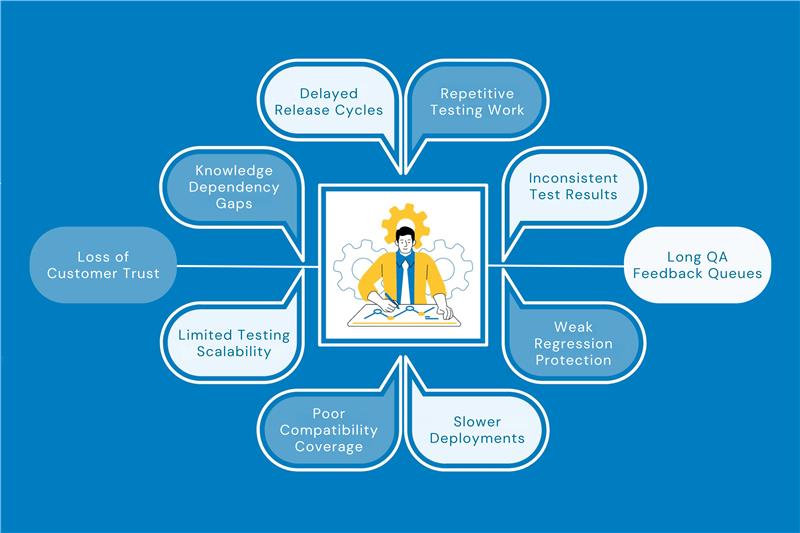
If you are wondering why the best automated testing tools have become indispensable for modern QA workflows, then, in my experience, it helps with
Given below are the best automated software testing tools in 2026 are currently dominating the IT industry and the software testing ecosystem. Whether you are a beginner or an experienced automation professional, this information will be helpful
G2 rating ⭐ 4.7/5
Open source project, launched in 2004, it is the most popular tool dominating the industry. The reason why I recommended Selenium as #1 is that it is a free tool suitable for any company size, from startups to enterprises. It’s considered the best for cross-browser web UI automation due to its free scalability, language support and industry dominance in regression testing despite a learning curve.
Learning Curve
Selenium takes around 1-2 months (or 100 hours) for a beginner to learn with dedicated practice. It offers high reliability with 100% uptime in tests, but accuracy depends on handling dynamic elements to avoid flakiness. UI usability is moderate for beginners, requires coding knowledge, and has no built-in IDE/reporting, taking time to master, but powerful once learned.
Best for:
UI testing, Functional testing, cross-browser and regression testing on web apps.
Key features:
Offers multiple libraries and robust browser-based regression automation.
Pricing:
Open source, Free
Looking to set up your company with Selenium? Kualitatem has the best SQA engineers helping you set up QA testing automation services within days. We also create multiple test cases providing full coverage speeding up your CI/CD pipeline by 10x.
#2 Cypress
G2 rating ⭐ 4.5/5
Cypress was launched in 2017 as a fast tool for end-to-end web testing. It is best rated software automation tool for real-time testing directly inside the browser to eliminate flakiness.
Learning Curve
Unlike Selenium, beginners learn it in 1-2 weeks with good docs. It is a beginner-friendly interface that provides a simple and interactive experience. The uptime of Cypress is 100% also accuracy in testing is high (~95% reliable tests due to deterministic runs). It is for the best test automation software for early-stage startups.
Best for:
The biggest factor is it excels in E2E, UI and API testing specifically for modern JavaScript applications.
Key features:
Cypress’s key features include automatic waiting and retries to eliminate flaky tests, real-time reloading and time-travel debugging for instant feedback, runs directly in the browser for speed and reliability, intuitive JavaScript syntax and built-in video/screenshot capture.
Pricing:
Starts free (open-source core), $75/mo/user for Cloud;
G2 rating ⭐ 4.9/5
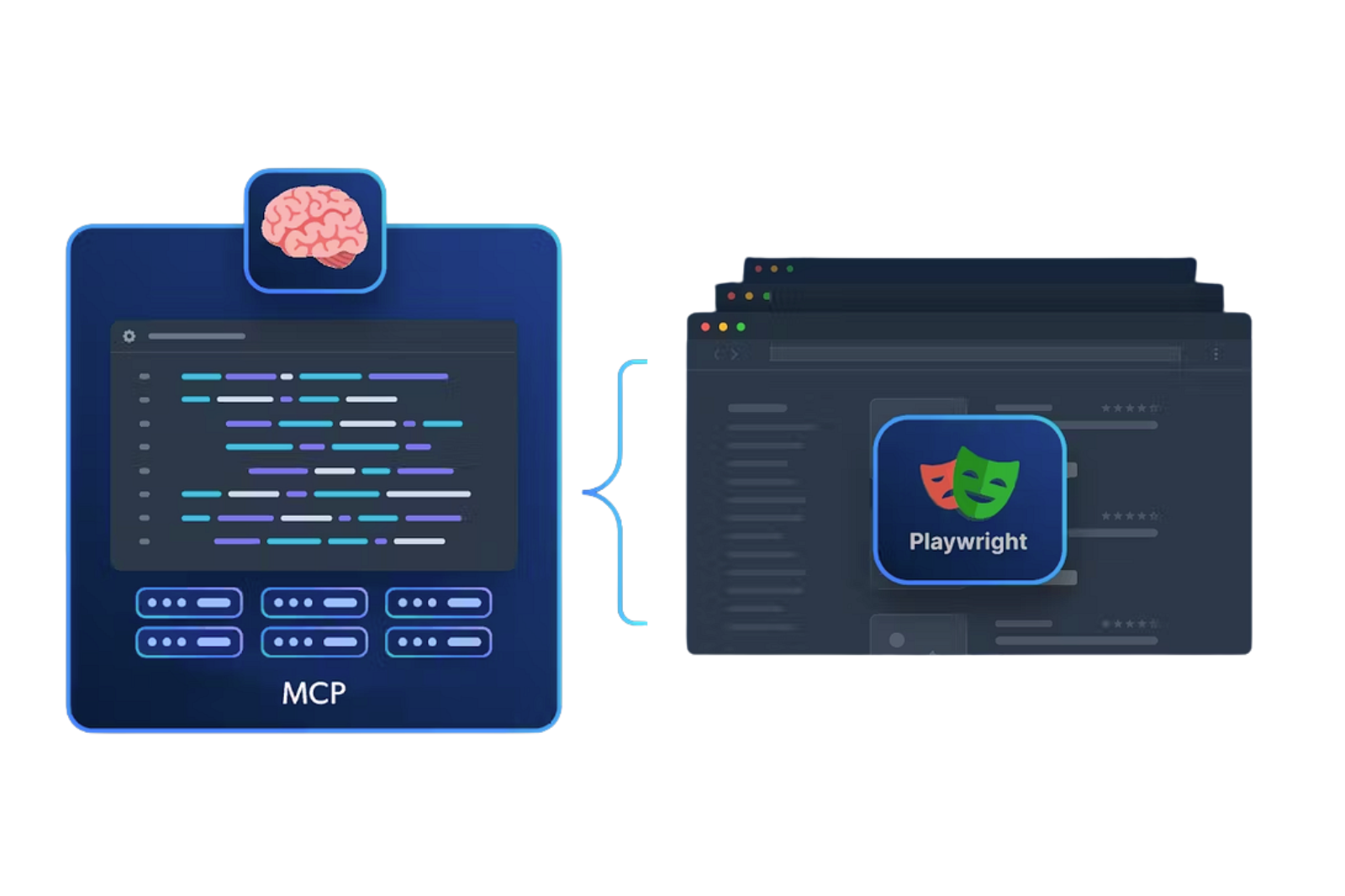
Microsoft owns Playwright, which was launched in January 2020 for modern web testing. This supports all major browsers, including Chromium, Firefox, and WebKit (Safari) with a single API. You don’t have to write different code for Chrome, Safari, or Firefox. You write a single test script in your preferred language (JavaScript, Python, Java, etc.), and Playwright translates those instructions to work perfectly across all three engines. This feature eliminates flakiness using built-in auto-waiting and resilient web-first assertions.
Learning Curve
Your beginner QA engineer can learn Playwright test automation in 1-2 weeks with its excellent docs and codegen tools. Companies of all sizes, from startups to enterprises, use it due to open-source cost-effectiveness and scalable parallel execution, with optional paid services like Microsoft Playwright Testing cloud.
Best for:
It’s best for end-to-end, cross-browser, and visual regression testing on modern SPAs. Its biggest problem solved is flaky tests from timing issues, via built-in waits and isolation.
Key features:
It achieves high accuracy via resilient features like auto-waits, retries and a trace viewer, minimizing false failures.
Pricing:
Pricing is free/open-source
G2 rating ⭐ 4.5/5
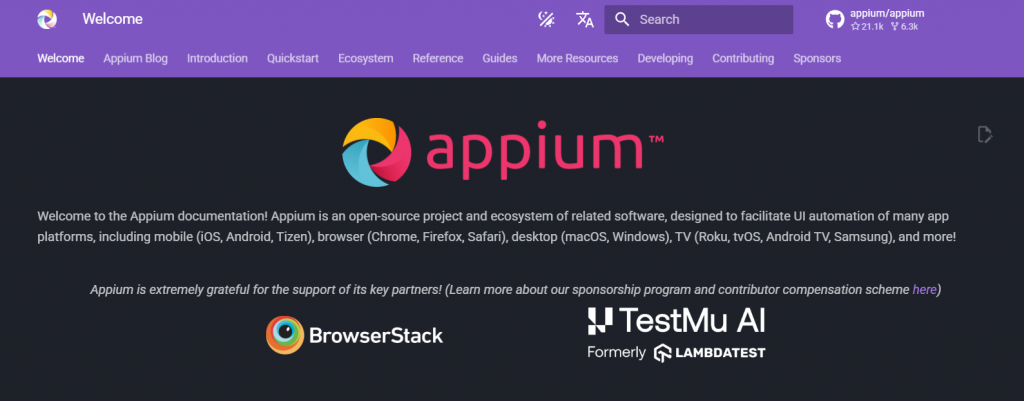
Appium is an open-source project launched in 2012 for mobile automation. It is best known for cross-platform testing, allowing you to use one tool for both iOS and Android. This does not require app recompilation, meaning you can test the same app that users download. Appium software testing platform also works without source code access, making it flexible for testing any mobile application.
Learning Curve
Beginners who have prior experinece to Selenium can learn it in 2-4 days due to Selenium-like APIs, but a steeper setup (Node.js, emulators). Accuracy is high (90-95%) with proper waits, though flakiness occurs from device fragmentation.
Best for:
It is best for your end-to-end testing, regression testing across devices/OS versions, CI/CD integration, and parallel execution on real devices/cloud farms, solving platform fragmentation without app recompilation.
Key features:
The functional inspector tool helps you find elements, though the initial server setup can be complex for beginners.
Pricing:
Pricing is free/open-source (Apache 2.0), with paid cloud like Sauce Labs.
Confused between Appium vs Selenium. Click here to read more. Appium vs Selenium: What’s the Difference? |
G2 rating ⭐ 4.6/5
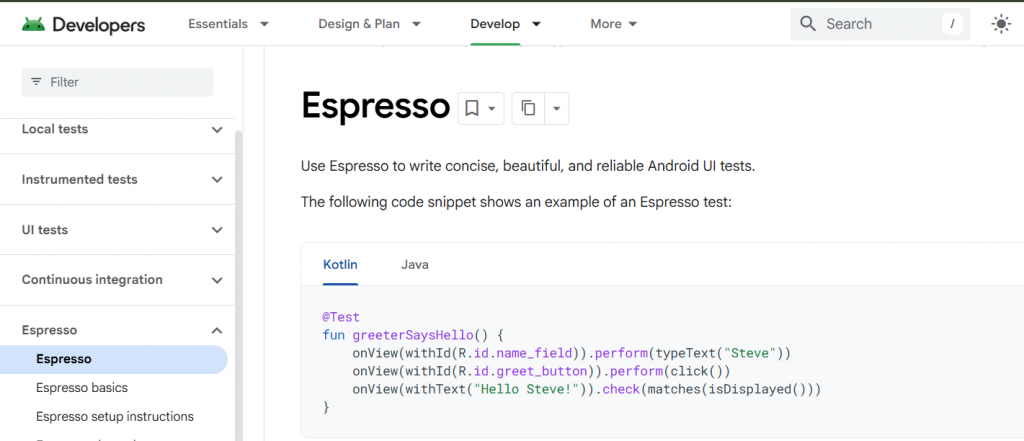
Espresso is owned by Google, launched in 2013 as part of AndroidX. It is the fastest and most reliable tool for Android testing with a near-zero failure rate. It lets you integrate native Android integration to sync perfectly with the app’s internal state. The software testing tool eliminates flakiness better than Appium because it waits for the UI to be idle automatically. Accuracy is exceptionally high at 99.94% due to direct UI synchronization without context switching.
Learning Curve
Beginners can learn it in 1-2 weeks via Android Studio’s Test Recorder and excellent docs.
Best for:
All company sizes use it, from indie devs to enterprises, as it’s free and scales with Gradle/CI. Pricing is free/open-source (Apache 2.0) within Android SDK.
Key features:
Beginner-friendly with an intuitive Test Recorder that writes code for you. It also has deep IDE integration, making it easy to use directly within Android Studio. Also uses Java or Kotlin, which is the standard language for Android developers.
Pricing:
Starts free (open-source core), $75/mo/user for Cloud
G2 rating ⭐ 4.7/5
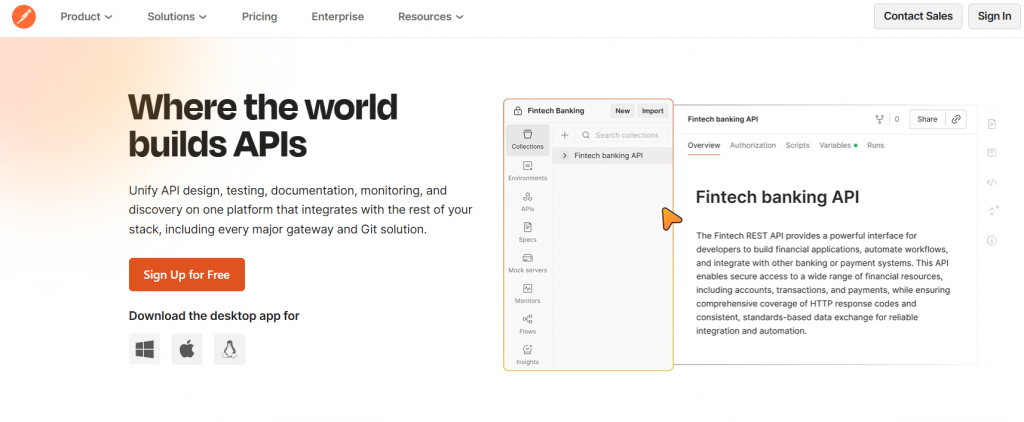
Postman is the leading API platform launched in 2014 for designing and testing APIs. It is best for collaboration using shared “Collections” that allow teams to work on the same APIs. Automates the full lifecycle from early design with mock servers to live production monitoring. Accuracy exceeds 99% with visual assertions, data-driven tests, and Newman reliability in pipelines.
Learning Curve
Beginners learn Postman API testing in 1-3 days thanks to its intuitive drag-and-drop GUI, no-code tests, and vast learning center.
Best for:
API testing (functional, regression, security), mocking, monitoring, and documentation workflows.
Key features:
Integrates with CI/CD pipelines using the Postman CLI or Newman to run tests automatically on every code push.
Pricing:
Free tier (unlimited basic use); paid plans: Basic ($12/user/mo), Professional ($29), Enterprise (custom).
G2 rating ⭐ 4.6/5
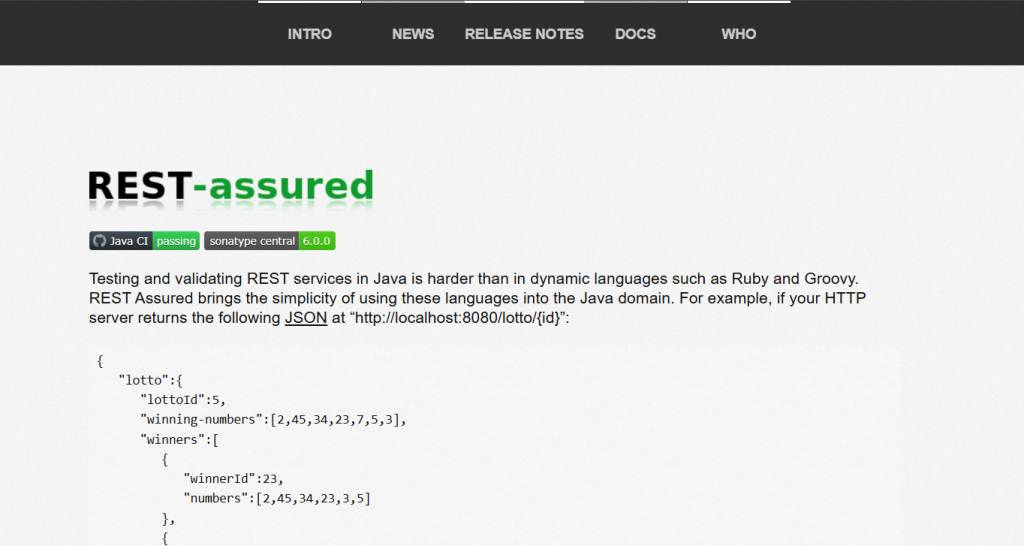
REST Assured is a popular Java library used to test and validate REST APIs. It simplifies the process by making Java feel more like a flexible scripting language. Launched in 2010 by Johan Haleby and now maintained by a large community on GitHub. No “boilerplate” needed, meaning you don’t have to write long, complex code just to send a simple request like GET or POST.
Learning Curve
Beginners with Java knowledge learn it in 3-7 days due to concise given-when-then syntax and extensive docs.
Best for:
Readable code because it uses a “Domain-Specific Language” (DSL) that follows a natural Given-When-Then structure. It solves the verbose, hard-to-read Java HTTP testing code via a human-readable DSL. All company sizes use it as a lightweight Maven/Gradle dependency in Java projects.
Key features:
BDD-style REST API testing with fluent syntax, JSON/XML validation, Hamcrest matchers, and seamless JUnit/TestNG/Cucumber integration surpasses raw HttpClient in simplicity.
Pricing:
Completely free (Apache 2.0 license).
G2 rating ⭐ 4.7/5
JMeter is owned by the Apache Software Foundation and is the best performance testing tool for its protocol-agnostic load generation (HTTP, JDBC, JMS, etc.), distributed testing, rich plugins ecosystem, detailed reporting (throughput, latency percentiles), GUI/non-GUI modes, and Java extensibility, outperforming LoadRunner in cost and flexibility.
Learning Curve
Beginners learn JMeter in 1-2 weeks via drag-and-drop Test Plan builder and extensive docs, though scripting logic takes practice.
Best for:
Performance/load/stress testing web apps, APIs, databases, and messaging systems.
Key features:
Expensive proprietary tools and limited protocol support via versatile, cost-free distributed load generation.
Pricing:
Completely free and open-source.
G2 rating ⭐ 4.5/5
Cucumber is a widely used tool for Behavior-Driven Development (BDD). It is owned by SmartBear and was created to make technical tests readable for everyone. This system testing tools solves miscommunication gaps by ensuring the business requirements and the automated tests are exactly the same thing. It acts as “Living Documentation” your tests are always up-to-date and double as a manual for how the software works.
Learning Curve
Beginners learn Cucumber in 3-5 days with Gherkin basics, though step def coding adds 1 week for excellent docs to accelerate onboarding.
Best for:
Best for acceptance/BDD testing across UI/API/performance via readable scenarios driving automation.
Key features:
It is widely considered the “premier” BDD (Behavior-Driven Development) tool because it pioneered the use of Gherkin syntax to bridge the gap between business requirements and technical code.
Pricing:
Open-source core free (MIT license); commercial Cucumber Studio $10-50/user/mo for cloud collab/features.
CI/CD Tools: Along with testing skills, you should learn tools like
If you are looking for cordless tools then, here are the names of the top no-code qa automation testing tools, categorized by their specific strengths:
If you are struggling with any of these roadblocks in your testing pipeline, given tool fits best according to your needs.
| The Problem You Face | Best Tool to Solve It | Why It Wins |
| Our UI changes constantly, and scripts keep breaking | testRigor or AccelQ | These tools use AI and natural language to self-heal tests, reducing script maintenance when UI elements move or change. |
| Tests take four hours to run and slow down deployment | Playwright or BrowserStack | Playwright is optimized for fast parallel execution, while BrowserStack enables large scale test runs across thousands of real devices simultaneously. |
| The app crashes when one thousand users join | JMeter | It is the industry standard for performance and load testing, capable of simulating heavy traffic to identify system bottlenecks. |
| The frontend looks fine, but the data is wrong | Postman or RestAssured | These tools validate APIs directly, testing the business logic without relying on the UI, which makes them faster and more reliable. |
| We need to test on real iPhones and Android devices | Appium | It supports real mobile hardware testing, including native gestures like swiping, pinching, and tapping. |
| Developers avoid testing because debugging is slow | Cypress | It runs inside the browser and offers time travel debugging so developers can inspect every step of a test execution. |
| We are a large enterprise with legacy web applications | Selenium | Its long history and broad browser support allow it to handle older technologies that newer tools may not fully support. |
About us:
Kualitatem has set a long-standing benchmark for excellence in providing test automation as a service. We provide a triple-layer of trust through our internationally recognized certifications, including ISO 27001 for data security, ISO 9001 for process integrity, and TMMi Level 5 for world-class testing maturity.


Our experts are all ready. Explain your business needs, and we’ll provide you with the best solutions. With them, you’ll have a success story of your own.
Contact us now and let us know how we can assist.