
Top 10 Accessibility Testing Tools: In-Depth Comparison for WCAG Compliance
March 6, 2026


Over 70 million Americans live with a disability. Which is 1 in 4, and that number doesn’t capture the full picture. When you add people with situational limitations like bright sunlight, a broken hand, or age-related decline, the number climbs closer to 1 in 4 adults in the US alone.
Yet most apps still fail them.
Broken screen readers. Text that’s too small to read. Buttons too close together to tap accurately. Forms that collapse entirely without a mouse. For testers, it’s the kind of failure that slips through standard QA because nobody thought to check.
Regulations like the ADA, Section 508, and EN 301 549 exist to change that and enforcement is no longer something companies can quietly ignore. Every person who can’t use your app is a person you’ve failed to reach. Accessibility is a product quality issue the same way performance is, the same way security is. It deserves the same place in your QA process.
The good news is that accessibility testing has matured significantly. In 2026, there are tools purpose-built to catch these failures early inside your QA workflow, your CI/CD pipeline, and your Figma files before they ever reach a real user.
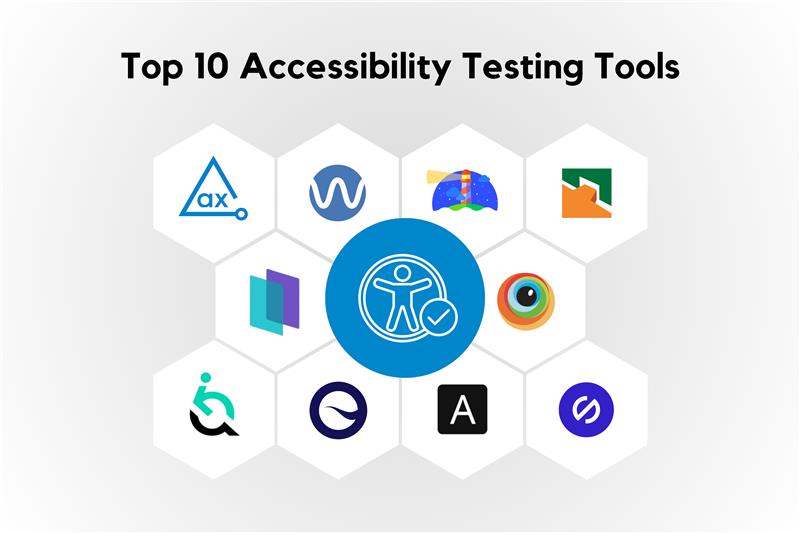
Here are the top 10 accessibility testing tools worth your attention in 2026.
Selection Criteria
Picking the right accessibility tool takes more than reading a spec sheet. Here’s exactly how we evaluated each one:
We here at Kualitatem provide comprehensive accessibility testing services, so our team is also using these latest tools for our current clients.
Then we used them ourselves. Here’s what we found.
| Overview: Comparing accessibility testing tools at once: axe DevTools (for developers with browser and CI/CD integration.) WAVE (highlights errors directly on webpages.) Google Lighthouse (Open-source auditing tool that analyzes accessibility, performance, and SEO.) Tenon (API-based accessibility testing platform for automated WCAG and Section 508 checks.) Monsido (Accessibility monitoring and compliance scanning.) BrowserStack (Cloud testing platform offering real-device accessibility testing.) EqualWeb (Widgets and automated remediation.) Siteimprove (Accessibility monitoring, compliance, and reporting for enterprise.) AChecker (Automated WCAG accessibility checker for identifying compliance issues.) Stark (Accessibility testing tool integrated with design platforms like Figma and development workflows.) |
Developed by Deque Systems | Free basics | Pro at $49/user/month | Enterprise custom pricing
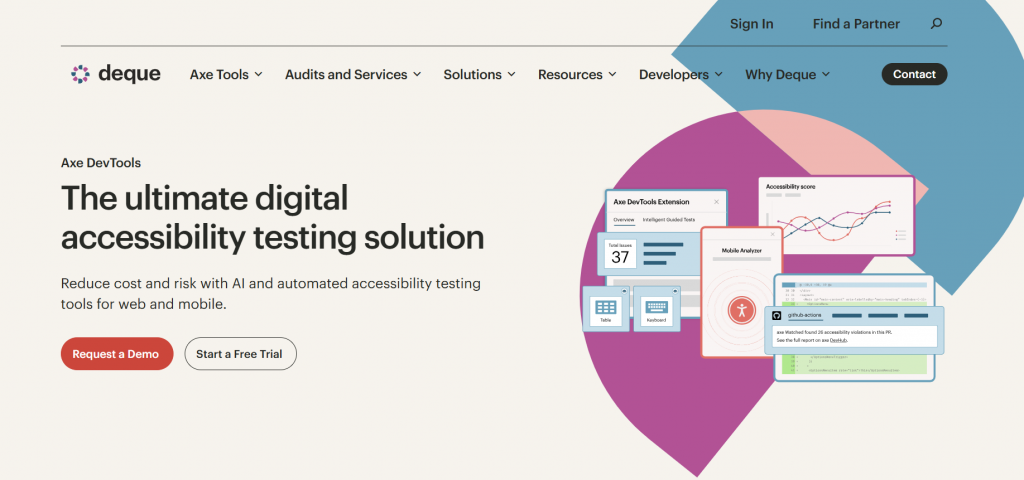
axe DevTools runs automated and semi-automated accessibility checks directly inside the tools developers already use the browser, the IDE, and the CI/CD pipeline. It catches accessibility issues at the code level in real time, before anything reaches production.
What sets it apart is its Intelligent Guided Tests, which bridge the gap between what automation catches and what still needs human judgment — without requiring deep accessibility expertise to operate.
axe DevTools works for everyone from solo developers to large enterprise QA teams. If accessibility needs to live inside your development workflow rather than sit as a separate audit process, this is built for that.
axe DevTools catches around 70% of accessibility issues with notably low false positive rates which matters in fast-moving agile teams where noise slows everything down. The remediation guidance goes straight to the code, so developers know exactly what to change and why.
G2 peer ratings sit between 4.5 and 4.8, with consistent praise for accuracy and how naturally it fits into existing workflows.
The core browser extension is free. Pro access starts at $49 per user per month. Enterprise bundles are custom-priced based on team size and integration requirements.
“Intelligent Guided Testing enables developers of any experience level to easily identify accessibility issues not previously detectable by automated testing alone.” Dylan Barrell, Deque Systems
Developed by WebAIM, Utah State University | Free core tool | API: $0.01–$0.04/scan
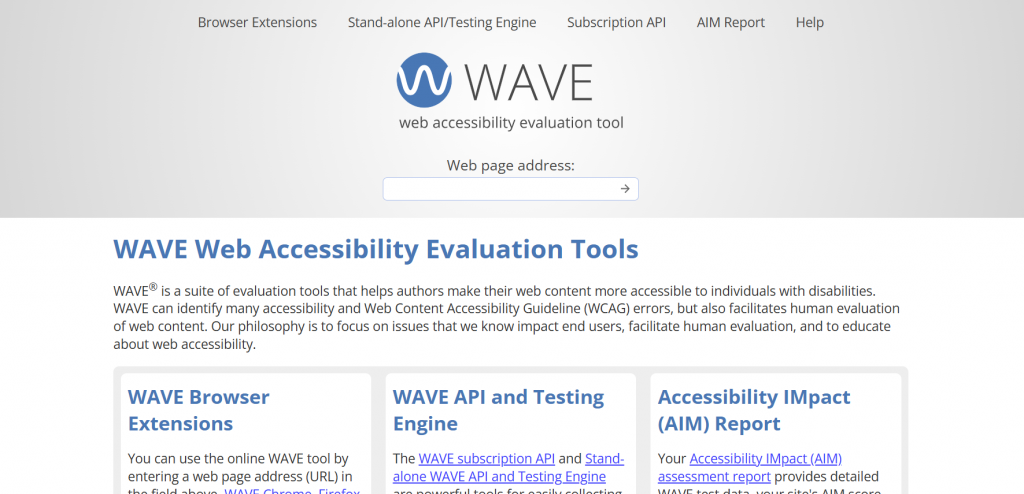
WAVE scans web pages and shows accessibility problems directly on the page itself. Instead of a separate report, it places icons and highlights right inside the content, so you can see exactly where the issue is and what it affects.
It catches common WCAG errors like missing alt text, poor color contrast, and missing form labels.
WAVE is built for people who need fast, clear results without a steep learning curve, web authors, educators, nonprofit teams, and small organizations who want a free, easy-to-use tool that doesn’t require deep technical expertise.
Automated tools can only catch roughly 30–50% of accessibility issues. WAVE goes further by prompting human evaluation for the rest and it explains why each issue matters to real users, not just whether it passes a rule.
It’s particularly respected in education and nonprofits for being genuinely simple without sacrificing depth.
The browser extension and online checker are completely free. If you need to run automated scans at scale, the API costs between $0.01 and $0.04 per scan, depending on volume.
“WAVE facilitates human evaluation and educates about web accessibility.” — WebAIM
Developed by Google | Open-source | Completely Free
Lighthouse audits web pages across five areas at once: accessibility, performance, SEO, best practices, and progressive web app standards. For accessibility specifically, it runs automated WCAG-based checks and gives you a score out of 100 along with clear advice on what to fix.
It runs directly inside Chrome DevTools, from the command line, or inside a CI/CD pipeline wherever your team already works.
Lighthouse is built for developers and QA teams who want to catch accessibility issues early in the development process, before they compound. If your team uses Chrome or runs automated pipelines, it fits in without any extra setup.
It catches the most common issues early before manual testing even begins. That makes it a reliable baseline tool that saves time downstream. The scoring system also makes it easy to track progress across releases.
Like all automated tools, it covers roughly 50% of possible accessibility issues, so it works best as a first pass before deeper manual review.
Completely free. Open-source with no tiers, no limits, and no sign-up required.
“Lighthouse checks against WCAG to ensure sites are usable by people with disabilities.” Google Chrome Team
Developed by Level Access | Freemium | Pro API from $200+/month
Tenon runs automated WCAG and Section 508 compliance checks through an API — no browser, no manual page-by-page scanning. You plug it into your existing pipeline, and it scans at scale, flagging issues in real time as code moves through development and testing.
It’s built for speed and volume, not visual walkthroughs.
Tenon is designed for DevOps engineers and QA leads who need accessibility testing embedded directly into their testing suites. If your team is running headless, automated pipelines across large sites or apps, Tenon fits that workflow without friction.
Rather than auditing one page at a time, Tenon lets teams re-run scans instantly after fixes making it practical for iterative development. It also frames issues in terms of compliance risk, which matters when reporting to stakeholders or legal teams.
G2 peer reviews rate it around 4.5/5, with particular praise for real-time assessments and how easy it is to integrate.
A freemium tier is available to get started. Pro API access begins at $200+ per month, depending on scan volume and feature requirements.
“Helping you understand your risk is a great start to your accessibility journey.” Level Access Team
Developed by Monsido, acquired by Acquia (2021) | Starts at $2,000/year
Monsido continuously monitors entire websites for WCAG compliance up to version 2.2 through an automated dashboard. Instead of one-off scans, it tracks accessibility health over time and surfaces actionable scores so teams always know where they stand.
It also covers SEO and content quality in the same platform, making it a broader governance tool beyond just accessibility.
Monsido is built for marketing and compliance teams at mid-to-large enterprises particularly in regulated industries like healthcare, government, and higher education where ongoing compliance tracking matters as much as the initial audit.
It moves accessibility from a one-time project to an ongoing process. Teams in regulated industries particularly value the ability to filter violations by compliance level and demonstrate continuous improvement to auditors or leadership.
Rated 4.5/5 on G2, with High Performer recognition across 2023–2026 quadrants.
Starts at $2,000 per year. Pricing scales with site size and feature requirements.
“Monsido now supports WCAG 2.2 actionable recommendations to ensure accessibility.” Acquia
Founded 2011 by Ritesh Arora | Core from $29/month | Accessibility add-on extra | Enterprise custom pricing
BrowserStack lets you test accessibility on real browsers and real devices in the cloud no device lab needed. It runs WCAG checks across web and mobile apps simultaneously, so accessibility testing happens alongside functional testing rather than after it.
It catches the issues that only show up on actual hardware, like touch target sizing, focus behavior, and contrast rendering on specific screens.
QA automation leads and cross-functional testing teams who need to validate accessibility across a wide range of browsers and devices without managing physical infrastructure. Particularly useful when mobile accessibility is part of the compliance scope.
Device-specific accessibility failures are easy to miss in emulator-only environments. BrowserStack surfaces those issues early on the actual devices your users are on and packages results in reports that developers can act on without needing accessibility expertise themselves.
Rated 4.5/5 on G2 for accessibility testing capabilities.
Core plans start at $29 per month. The accessibility testing add-on is priced separately. Enterprise plans are custom-quoted based on team size and usage needs.
“Effortless accessibility testing with actionable reports.” — BrowserStack users, G2
Founded ~2017, Israel | From $39/month or $490/year
EqualWeb adds an AI-powered accessibility widget to your existing website without requiring code changes or a full redesign. It automatically applies fixes for common accessibility barriers and runs ongoing crawler scans to monitor compliance over time.
It also handles PDF accessibility tagging and generates accessibility statements — two requirements that often get overlooked in standard audits.
Small to mid-sized businesses and non-technical teams who need to meet compliance requirements quickly without a dedicated development resource. If the goal is fast deployment on an existing site, EqualWeb is built for that.
It removes the barrier of needing developer involvement for every fix. The one-click disability profiles make a genuine difference for users with specific needs, and the managed services tier means smaller teams can get full audit support without building internal expertise.
Rated around 4/5 in peer reviews, with consistent praise for ease of setup and speed of deployment.
Plans start at $39 per month or $490 per year. Managed service and enterprise options are available at custom pricing.
“EqualWeb elevates websites to 100% compliant with an AI-powered widget for all sizes.” EqualWeb
Founded in 2002, Denmark | Custom pricing, from ~$2,000/year
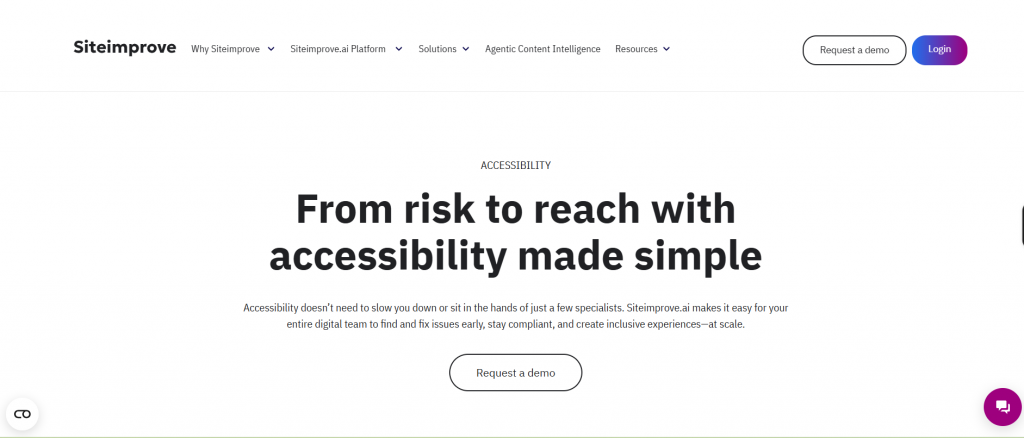
Siteimprove continuously monitors entire websites for accessibility issues, scanning pages, PDFs, and documents through a single cloud platform. It goes beyond flagging problems, it generates compliance-ready reports and built-in remediation workflows so teams can act on findings without losing track of progress.
It covers accessibility alongside SEO, content quality, and analytics, making it a full governance platform rather than a standalone accessibility tool.
Enterprise governance and risk teams are managing large, complex websites where compliance reporting matters as much as the fixes themselves. Legal, marketing, and accessibility leads all work from the same platform without needing separate tools.
It scales cleanly across large sites and gives leadership the visibility they need without accessibility leads having to manually compile reports. The remediation workflow keeps fixes organized and accountable across big teams.
Rated around 4.5/5 on G2, consistently recognized as an enterprise high performer.
Custom-quoted based on site size and requirements. Typically starts around $2,000 per year.
“Siteimprove focuses on improvement of everything, including accessibility.” — Siteimprove
Open-source origins, Canada ~2010 | Cloud from $99/month
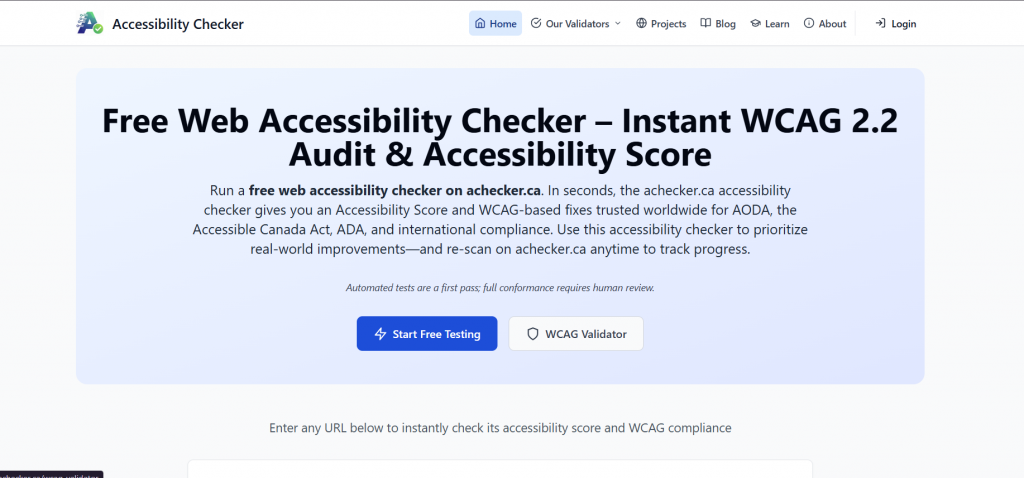
AChecker runs WCAG 2.1 AA compliance checks through cloud-based automated scans, with Lighthouse integration for broader coverage. It outputs structured reports mapped to specific guidelines, making it straightforward to identify exactly which rule is failing and where.
It’s built for validation work inside QA pipelines rather than visual auditing or manual walkthroughs.
Developers and testers who need reliable, guideline-specific accessibility checks integrated into automated workflows. It works well as a complement to manual review rather than a replacement for it.
It keeps validation focused and efficient errors are tied directly to specific WCAG criteria, which makes both fixing and reporting faster. It fills the gap between what Lighthouse catches and what a full manual review covers.
Peer reviews rate it around 4.2/5, with recognition for its straightforward approach to compliance checking.
An open-source version is available at no cost. Cloud access starts at $99 per month.
“Comprehensive WCAG checks for accessible web development.” — AChecker
Founded in 2017 by Jake Cronin | From $2,500/year
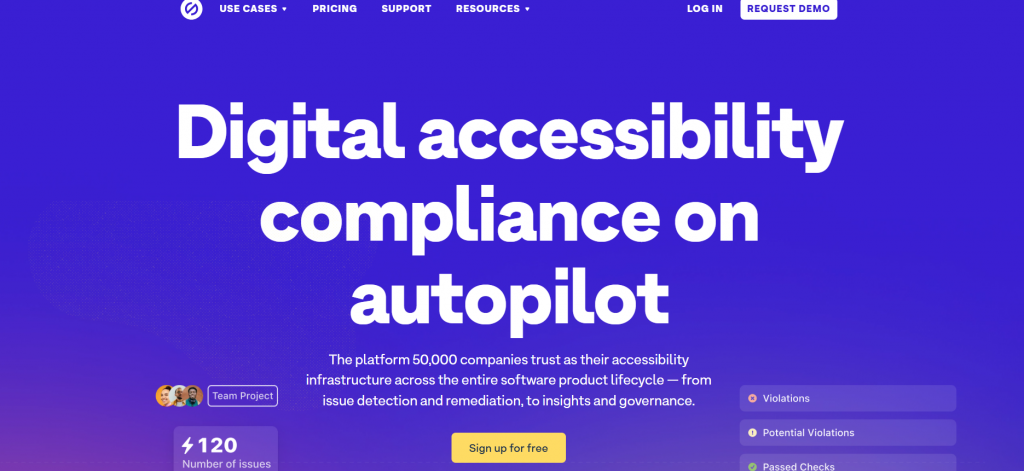
Stark brings accessibility checks directly into Figma and code editors, so issues are caught at the design stage before anything is built. It simulates how designs appear to users with visual impairments, color blindness, and other conditions, giving teams a realistic picture of real-world accessibility early in the process.
It also includes monitoring and team dashboards to track accessibility health across projects over time.
Design and development teams at creative agencies who want to build accessibility in from the start rather than fix it after the fact. It fits naturally into existing Figma and coding workflows without requiring a separate audit process.
Catching accessibility issues at the design stage is significantly cheaper and faster than fixing them in production. Stark makes that shift practical by embedding checks where designers already work, reducing back-and-forth between design and QA later in the cycle.
Rated around 4.6/5 on G2 for design tool accessibility.
Starts at $2,500 per year. Team and enterprise plans available.
“Stark makes design inclusive from the start.” Stark
| Tool | Key Features | Pricing (2026) | Deployment |
| axe DevTools | Browser extension, CI/CD integration, guided tests | Free tier; Pro $49/user/mo | Browser extension, cloud |
| WAVE | Visual error overlays, API for scans | Free; API $0.01-0.04/scan | Browser extension, web |
| Google Lighthouse | Audits accessibility with performance | Free | Chrome DevTools |
| Tenon | API-based WCAG/508 detection | Freemium; $200+/mo | API, cloud |
| Monsido | Dashboard monitoring, WCAG scans | Starts $2000/year | Cloud platform |
| BrowserStack | Real-device WCAG testing, CI/CD | Starts ~$29/mo (core); accessibility add-on | Cloud, real browsers/devices |
| EqualWeb | AI fixes, widget, monitoring | $39+/mo or $490+/year | Cloud widget |
| Siteimprove | Automated checks, PDF scans, reports | Custom/quote | Cloud |
| AChecker | WCAG 2.1 AA checks, Lighthouse integration | $99+/mo | Cloud |
| Stark | Figma/code scanning, monitoring | $2500+/year | Design tools, cloud |
Free tools suit initial QA in automation workflows, like integrating Lighthouse into your CI/CD for web apps. Opt for paid if pursuing full compliance audits or handling large-scale testing, aligning with strategic QA leadership
Our experts are all ready. Explain your business needs, and we’ll provide you with the best solutions. With them, you’ll have a success story of your own.
Contact us now and let us know how we can assist.